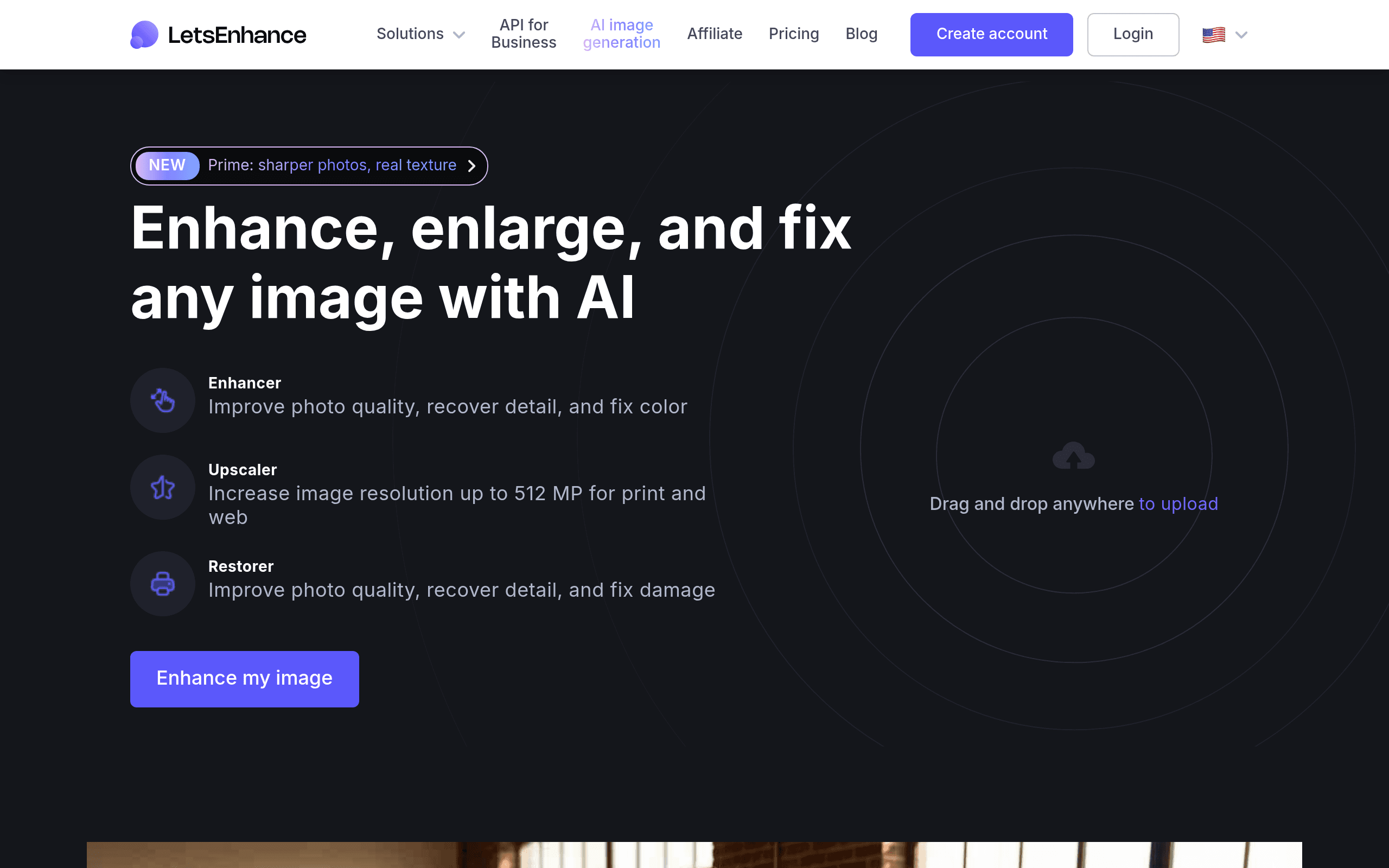

Let’s Enhance is an AI image upscaler built for e-commerce managers and digital designers. It enlarges photos up to 256 megapixels while reconstructing missing textures for print or web. The tool handles batch processing well, but the strict credit system makes high-volume jobs expensive quickly.
What is Let’s Enhance?
Users expect AI upscalers to magically fix blurry photos with a single click. Let’s Enhance actually delivers a highly specific reconstruction engine that adds realistic textures to low-resolution files, though it sometimes hallucinates facial details.
Developed by Let’s Enhance, Inc., this web application targets e-commerce businesses, photographers, and digital artists. The platform solves the problem of pixelated images by using neural networks to increase resolution up to 16x without losing clarity. You upload an image, select an output size, and the software generates a print-ready file.
- Primary Use Case: Upscaling low-resolution product photos for e-commerce listings to 4K.
- Ideal For: E-commerce managers and digital artists.
- Pricing: Starts at $9 per month. The free tier only provides 10 lifetime credits.
Key Features and How Let’s Enhance Works
Resolution and Upscaling Limits
- Smart Enhance: Applies automatic noise reduction and sharpening. This feature is limited to web-optimized outputs.
- Maximum Upscale: Increases image resolution up to 16x. Processed files cannot exceed 256 megapixels.
Workflow and Processing
- Batch Processing: Upload multiple files simultaneously. The browser interface limits batches to 20 images per job.
- File Support: Accepts JPG, PNG, and WebP formats. Individual files must stay under 50MB.
Specialized AI Modes
- Magic Enhance: Reconstructs missing details in low-quality photos. High-resolution jobs consume multiple credits per image.
- Text-to-Image: Generates high-resolution images from text prompts. Users need specific subscription tiers for commercial rights.
Let’s Enhance Pros and Cons
Pros
- High-quality upscaling uses neural networks to add realistic detail instead of just stretching pixels.
- The drag-and-drop interface requires zero technical knowledge or photo editing skills.
- Batch processing saves hours by applying identical enhancement settings to multiple files.
- Specialized algorithms target specific image types like digital art or real estate photography.
Cons
- High-resolution upscales consume credits quickly, making large projects expensive.
- Large files take several minutes to process during peak server times.
- The AI occasionally creates unnatural textures or hallucinates details in human faces.
- The free tier only offers 10 lifetime credits, acting as a trial rather than a free plan.
Who Should Use Let’s Enhance?
- E-commerce Managers: You need to batch process hundreds of product photos to meet marketplace resolution requirements.
- Digital Artists: You generate AI art and need to upscale the outputs for high-quality professional printing.
- Casual Users (Not Recommended): You just want to fix one or two smartphone photos. The credit system makes this tool too expensive for occasional personal use.
Let’s Enhance Pricing and Plans
- Free: $0 per month. Provides 10 one-time credits. This is a trial, not a recurring monthly allowance. Users cannot download unwatermarked images on this tier.
- Starter: $9 per month. Includes basic subscription features and 100 monthly credits. Unused credits roll over to the next month up to a specific cap.
- Pro: $39 per month. Unlocks 300 credits and specific creative modes for professionals. This tier suits freelance designers handling weekly client projects.
- Premium: $99 per month. Delivers advanced features and high volume limits for busy studios.
- Enterprise: $299 per month. Provides maximum processing limits and dedicated support via the Claid.ai API.
How Let’s Enhance Compares to Alternatives
Similar to Topaz Photo AI, Let’s Enhance uses neural networks to rebuild missing pixels. Topaz Photo AI requires a one-time purchase of $199 and runs locally on your hardware. This means you need a dedicated graphics card for fast processing. Let’s Enhance operates entirely in the cloud (saving you from buying expensive hardware), which helps users with older computers but requires an ongoing subscription. Topaz offers more granular manual controls for noise reduction. Let’s Enhance relies heavily on automated presets.
Unlike VanceAI, which splits its tools into separate web apps for sharpening and upscaling, Let’s Enhance combines these functions into a single interface. VanceAI offers a cheaper entry point for casual users with a lower monthly subscription cost. Let’s Enhance targets business users who need consistent batch processing (up to 20 images at once). VanceAI struggles with complex textures, while Let’s Enhance excels at rebuilding fabric and product details.
The Verdict for E-commerce and Print Designers
Let’s Enhance delivers excellent results for professionals who need to prepare large image catalogs for print or web. The batch processing feature justifies the monthly cost for high-volume users.
Casual users should look elsewhere.
The strict credit system punishes experimentation.
If you only need to upscale a few personal photos, try Upscale.media for a more forgiving free tier.
User Reviews
No reviews yet. Be the first to share your experience!
Sign in to write a review.
Related articles
Guides and articles related to Let’s Enhance.

How to Get an AI Model Wearing Your Clothes (Step by Step)
One Product Photo, Full Fashion Campaign: AI Images and Video That Sell (2026)

Best AI Fashion Model Generators for Clothing Brands (2026)
AI Fashion Prompts That Stay Consistent: The Working Formula (2026)

Wix Logo Maker Review (2026): Real Costs, the Edit Catch, and AI Alternatives