
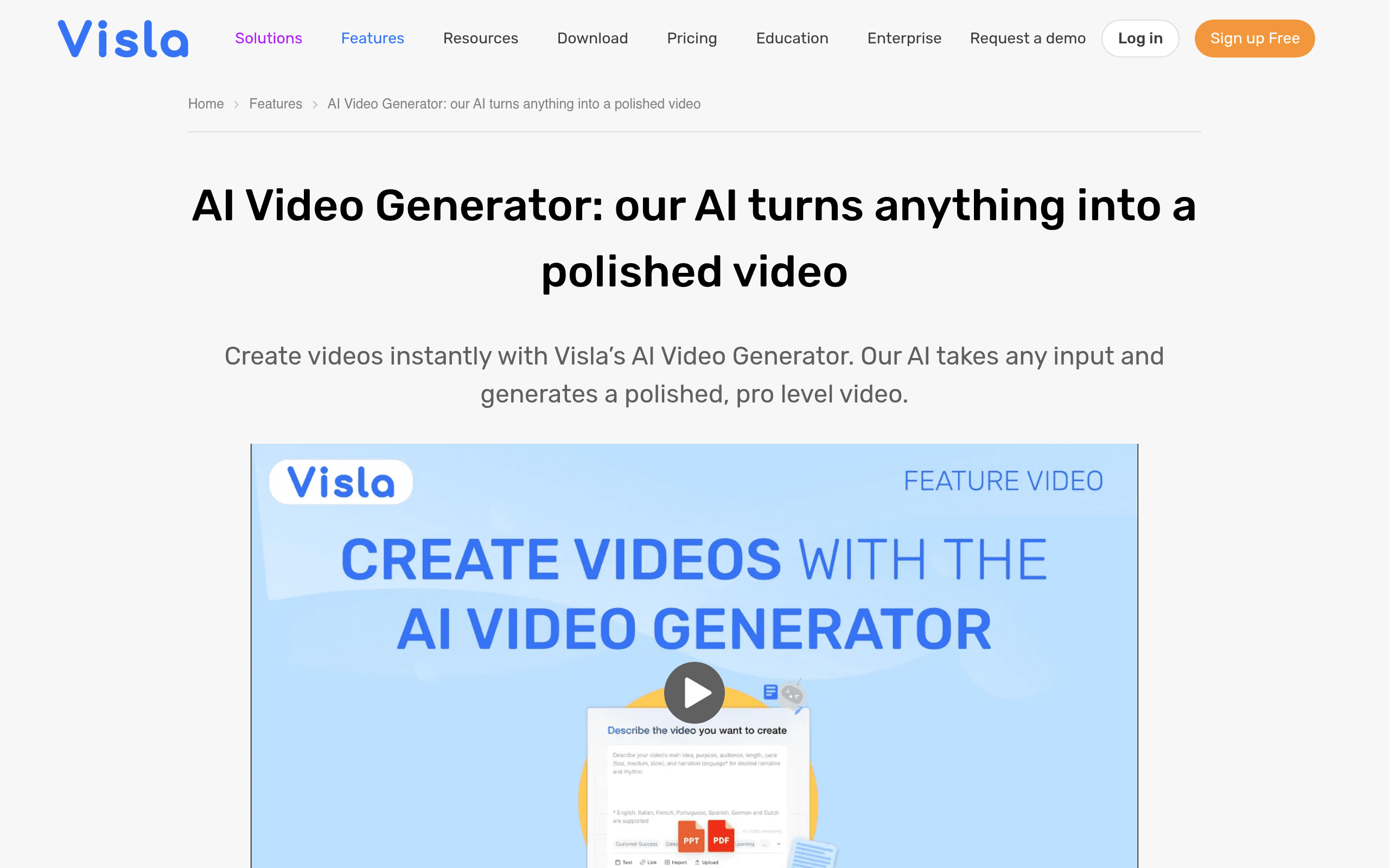

Visla is an AI video creation platform that turns text prompts and URLs into finished videos with automatic b-roll. It targets marketers and corporate trainers who need fast content generation. While the text-based editing speeds up simple cuts, the timeline lacks the precision required for complex professional edits.
What is Visla?
Visla is an automated video production platform that turns text prompts and URLs into finished videos. It bypasses the traditional timeline editing process entirely. You type a script, and the software generates matching b-roll, AI voiceovers, and captions in minutes.
Developed by Visla, Inc., the tool solves the bottleneck of manual video editing for corporate communication. Marketers, sales teams, and internal trainers use it to scale their video output without hiring professional editors. The platform combines screen recording, AI generation, and transcript editing into a single browser interface.
- Primary Use Case: Converting text scripts and meeting recordings into polished corporate videos.
- Ideal For: Marketing teams and corporate trainers who need fast video generation.
- Pricing: Starts at $9 per month (annual). This is an affordable entry point for solo creators.
Key Features and How Visla Works
Automated Video Generation
- Text-to-Video Engine: Converts written prompts or pasted URLs into complete videos, limited by your monthly credit balance.
- Stock Media Matching: Automatically selects premium stock clips based on script context, which occasionally misses the mark on technical topics.
- Brand Kits: Applies your saved logos and colors to generated videos, requiring manual setup for each distinct brand identity.
Transcript-Based Editing
- Text Editor: Cuts video clips automatically when you delete words from the generated transcript, lacking multi-layer timeline control.
- Screen and Camera Recorder: Captures your screen and webcam simultaneously for tutorials, restricted to 3 hours of upload time on the Pro tier.
- Video Analytics: Tracks viewer engagement and drop-off rates, functioning only when viewers watch via direct Visla links.
AI Avatars and Voiceovers
- Digital Presenters: Replaces human actors with AI avatars, limited to two custom avatars on the Pro plan.
- AI Voice Generation: Creates realistic narration in multiple languages, consuming credits based on the total audio duration.
- Mobile Application: Enables full video creation on iOS and Android devices, though rendering complex avatars drains mobile battery quickly.
Visla Pros and Cons
Pros
- Text-based editing removes the need for timeline scrubbing, saving beginners hours of manual cutting.
- The free plan includes 1,000 monthly credits, offering significantly more generation capacity than most competitors.
- A native mobile app allows creators to record and edit full AI videos directly from their phones.
- The integrated screen recorder eliminates the need for third-party capture tools like Loom or Camtasia.
Cons
- The AI b-roll engine frequently selects generic footage when processing highly technical or niche industry scripts.
- Timeline editing lacks the precision and layer control required for professional video finishing.
- Generating videos with custom AI avatars depletes the monthly credit limits much faster than standard text-to-video tasks.
- Users are limited to creating only two custom avatars on the $18 per month Pro plan.
Who Should Use Visla?
- Corporate Trainers: You can turn text manuals into engaging training videos with AI voiceovers in minutes.
- Sales Professionals: The platform allows you to record personalized outreach videos and track viewer engagement easily.
- Solo Marketers: You get a complete video production studio on a budget, especially with the generous free tier.
- Professional Video Editors (Not Recommended): You will find the text-based editor frustrating if you rely on precise keyframing and multi-track audio mixing.
Visla Pricing and Plans
Visla operates on a freemium model with a genuinely useful free tier. The Free plan costs $0 per month and provides 1,000 monthly credits. You get 1080p exports, 3GB of upload storage, and access to public AI avatars.
This is not a disguised trial; you can use it indefinitely for basic projects.
The Pro plan costs $18 per month, or $9 per month when billed annually. It increases your allowance to 5,000 credits and removes the Visla watermark. You also unlock the ability to create two custom avatars and get 20GB of upload storage.
The Business plan costs $59 per month, or $38.94 per month annually. It provides 20,000 credits, priority API access, and full usage analytics. Teams needing unlimited custom avatars and single sign-on must contact sales for a custom Enterprise quote.
How Visla Compares to Alternatives
Similar to Pictory, Visla excels at turning text into video using stock footage. Visla includes a native mobile app and built-in screen recording, making it better for creators who film original content. Pictory focuses heavily on long-form video summarization and precise captioning for social media.
You will burn through Visla credits faster if you rely heavily on AI avatars.
Unlike Invideo, Visla prioritizes transcript-based editing over traditional timeline manipulation. Invideo offers a more familiar timeline interface with extensive template options for social media ads. Visla targets corporate communication and sales outreach, while Invideo caters directly to social media marketers. (I found Invideo much easier for creating quick TikTok ads, but Visla won for internal company updates).
Verdict: Ideal for Corporate Communicators on a Budget
Visla delivers massive value for sales teams, marketers, and trainers who need to produce talking-head videos quickly. The text-based editing interface makes video creation accessible to anyone who can edit a Word document. The generous free plan makes it an easy recommendation for solo creators testing AI video generation.
Professional editors and creative agencies should look elsewhere. The lack of precise timeline controls and multi-track audio mixing will slow down complex projects. If you need advanced timeline editing with AI features, Adobe Premiere Pro remains the industry standard.
User Reviews
No reviews yet. Be the first to share your experience!
Sign in to write a review.
Related articles
Guides and articles related to Visla.

AI Video Generator Prompting: The Filmmaker's Real Workflow

The Personal AI Productivity Stack (2026): One Tool Per Job, Nothing Extra

How to Get an AI Model Wearing Your Clothes (Step by Step)

Perplexity AI Tutorial: Maximize Your Research Workflows

Best AI Fashion Model Generators for Clothing Brands (2026)
