
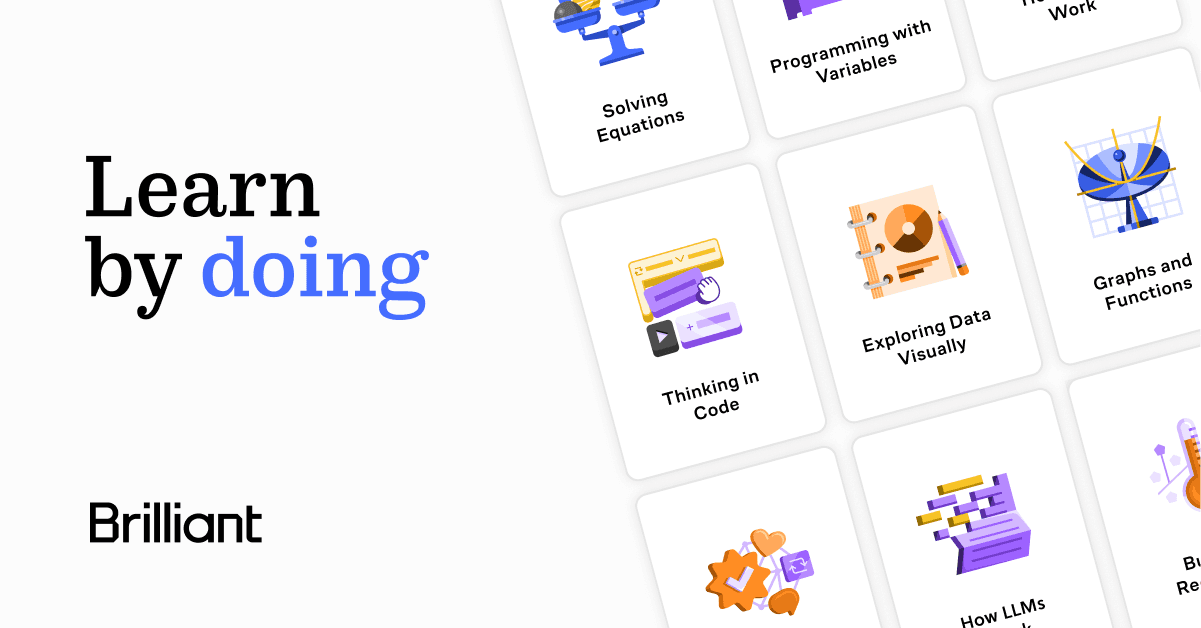

Brilliant is an interactive STEM learning platform that replaces video lectures with hands-on puzzles and visual simulations. Founded in 2012 by Sue Khim, it serves over 10 million learners across math, computer science, data science, and science subjects.
Brilliant is an interactive STEM learning platform built around the principle that understanding comes from doing, not watching. Founded in 2012 by Sue Khim (named Forbes 30 Under 30 in education), the San Francisco-based company has grown to more than 10 million learners worldwide. Rather than delivering video lectures or text explanations, every Brilliant lesson is structured as a sequence of interactive puzzles, visual simulations, and guided problem-solving activities designed to build genuine intuition. The platform covers four core domains: mathematics, computer science, data science, and science, with 60 to 110+ courses ranging from foundational arithmetic to neural networks and quantum computing.
Courses are built by educators from MIT, Stanford, Caltech, Google, and Microsoft. Key features include real-time feedback on every interactive problem, animated explanations for errors, personalized learning paths, daily skill challenges, streaks and league mechanics for habit building, and a mobile app for iOS and Android with offline mode. The free tier gives access to daily challenges and course previews. Premium unlocks the full course library, removes ads, and enables personalized practice. For professionals looking to bridge STEM skill gaps, Brilliant pairs naturally with tools like Coursera for credentialed learning or Photomath for quick problem-solving on the go.
What Brilliant actually is in May 2026
Brilliant positions itself as a daily learning habit tool more than a formal course platform. The lesson format is intentionally short: each problem-solving session runs roughly 15 minutes, making it viable during commutes, lunch breaks, or before bed. Courses scaffold carefully, starting with visual intuition and building toward formal reasoning. A learner working through calculus, for example, encounters animated visualizations of derivatives before touching symbolic notation.
One important clarification: Brilliant is not an AI chatbot tutor. When GPT-4-powered tutoring tools flooded the market in 2023 and 2024, Brilliant deliberately held back. Their internal product testing found that conversational text explanations, however sophisticated, did not produce the same learning outcomes as forcing learners to interact with a problem directly. Instead, Brilliant's AI investment has gone into two areas: accelerating their internal content creation pipeline using large language models to generate puzzle variations and interactive assets, and developing adaptive personalization that is still in user testing as of mid-2026. This is a different bet from competitors like Khanmigo, which uses GPT-4 as a conversational overlay on existing Khan Academy video content.
In December 2022, Brilliant acquired Hellosaurus, an award-winning interactive video platform for children ages 2 to 8, incorporating its no-code Creator Studio into Brilliant's content production toolchain. This acquisition signaled Brilliant's ambition to own the full interactive learning stack across age ranges, and introduced interactive video capabilities that have since influenced how some courses present animated explanations.
Where Brilliant sits versus Khanmigo and Coursera
The three most common alternatives to Brilliant are Khanmigo, Coursera, and Synthesis Tutor, and they differ in meaningful ways beyond surface-level "engagement."
Brilliant vs. Khanmigo: Khanmigo is Khan Academy's AI-powered tutor, built on GPT-4 and designed to guide learners through Khan Academy's existing video and exercise library via natural language conversation. In March 2025, Microsoft partnered with Khan Academy to make Khanmigo free for all U.S. teachers. For learners and parents, it runs $4 per month. Brilliant, at $13.49 per month on the annual plan, costs more. The core mechanical difference: Khanmigo is a language model conversation layer sitting on top of video and text content. Brilliant is an original interactive puzzle environment where the learning happens in the interaction itself, not in reading an explanation. Khanmigo covers a much broader curriculum including humanities, test prep, and writing. Brilliant covers only STEM but goes deeper on building intuition within those subjects.
Brilliant vs. Coursera: Coursera is a MOOC platform partnered with 300+ universities and companies including Google, Yale, and IBM. It offers over 12,000 courses, 30+ full degree programs, and employer-recognized certificates. With 168 million registered learners, it operates at a different scale. Coursera is primarily video lecture plus graded assignments. There is no interactive puzzle environment. The decisive mechanical difference is credential value: Coursera's Google, Meta, and IBM professional certificates carry real career weight. Brilliant's courses do not offer certificates of any kind. For career changers and job seekers, this distinction matters enormously. For professionals who already have credentials and want to maintain STEM sharpness or explore new topics for personal interest, Brilliant's format is often more engaging.
"This is the STEM curriculum I've longed for. The designers and engineers have done a great service.". Blackoutbeam, Reddit
How AI actually works inside Brilliant
Brilliant's AI story is quieter and more unusual than competitors who lead with chatbot features. Rather than deploying a conversational AI tutor, the company uses large language models internally to accelerate course authoring. Learning designers specify objectives and problem types; LLMs handle the implementation of puzzle assets and problem variations that would have previously taken hours per lesson. Human reviewers approve, tweak, or reject every AI-generated asset before it ships, because a single wrong problem can shake a learner's confidence or reinforce misconceptions.
The company experimented with GPT-2 and GPT-3 starting in 2019 with limited results. GPT-3.5 represented what their engineering team called "a huge turning point," enabling natural language interaction with their custom game engine. A concrete example from their engineering blog: their gear train puzzle success rate jumped from 0% to 93% in 48 hours through better API design, not a model upgrade. This reflects a pragmatic, craft-first approach to AI integration.
Adaptive personalization at the level of a one-on-one human tutor is in active user testing. The goal is to identify exactly where a learner's misconception lies by combining techniques from intelligent tutoring systems, classical ML recommender systems, and natural language conversation. On-the-fly visual and interactive generation is also in development. Neither feature was broadly available in Brilliant's standard product as of mid-2026. Learners exploring AI learning tools specifically may also want to look at Quizlet for AI-powered flashcard and study set features that complement problem-based practice.
The friction users keep raising
Brilliant's most persistent complaint across Trustpilot, the Better Business Bureau, PissedConsumer, and App Store reviews is not about content quality. It is about billing.
The 7-day free trial requires payment details at signup and auto-renews to either a monthly ($24.99) or annual ($161.88) plan. Multiple users across 2024 and 2025 reported being charged full annual fees after they believed they had canceled, or after a trial ended earlier than expected. Brilliant's stated policy says payments are "generally nonrefundable" with case-by-case review, but user reports document inconsistent support responses, with some agents citing a strict no-refund policy and others processing refunds with no friction. The pattern appears frequently enough to warrant caution: if you start a trial, set a calendar reminder to cancel before day seven or confirm cancellation explicitly in your account settings.
"Not only did they get back to me pretty quick on a Sunday, but they also immediately canceled it and gave me a full refund.". Braydon, Trustpilot
The second category of friction is content depth. Brilliant's courses work extremely well for beginners through intermediate learners. For anyone who has already done serious university-level work in mathematics or computer science, the courses can feel too simplified to be worth the subscription. The platform does not pretend to be a replacement for graduate coursework, but some intermediate-advanced learners discover the ceiling faster than expected.
Other recurring issues: no downloadable reference materials or note exports; daily challenges sometimes disconnect from the enrolled course, breaking continuity; no certificates or credentials of any kind; and nothing outside STEM. If you are learning a language, writing, business skills, or any humanities topic, Brilliant does not serve you.
Who Brilliant is for
Brilliant works best for adults who want to stay mentally sharp in STEM subjects, self-learners who find video lectures passive and disengaging, professionals who need to fill gaps in math, statistics, CS fundamentals, or data science without enrolling in a formal course, and parents who want to supplement their children's school education with something more interactive than a textbook.
The platform's sweet spot is the curious professional with limited time. If you can commit 15 minutes a day, the habit-forming mechanics (streaks, leagues, daily challenges) are genuinely effective at sustaining engagement over months. Paul Koegler, a retired 40-year IT veteran, described using the app as "a great way to try to stay sharp." Amber Ward, a parent on Google Play, noted it helped her "learn new things so I can keep up and teach my teens." These are real use cases Brilliant delivers on consistently.
Skip Brilliant when: you need employer-recognized credentials; you are an advanced researcher or graduate-level practitioner who needs deep technical rigor; you want AI conversational tutoring with natural language back-and-forth; or your learning goals fall outside math, CS, data, and science entirely. Career-changers who need certificate proof for job applications will find Coursera more appropriate. Students who want AI-guided homework help at no cost should look at Khanmigo, now free for U.S. teachers and affordable for learners.
Getting started with Brilliant
The free tier is a genuine entry point. Daily challenges are accessible without a subscription and give a real sense of the format and difficulty. Before starting a trial, browse the course library and identify two or three courses you would actually work through. The 7-day trial is enough time to complete three to five lessons in a given course and determine whether the interactive format clicks for you.
If you are primarily interested in math or algebra supplemental practice, also worth exploring: Photomath for step-by-step equation solving, or Synthesis Tutor for AI-adaptive math practice aimed at younger learners. For spaced-repetition study across any subject, Quizlet complements Brilliant's problem-based sessions with active recall mechanics.
Annual billing is the recommended plan if you intend to use the platform consistently. At $13.49 per month versus $24.99 monthly, the annual plan represents a 46% discount. If there is any uncertainty about commitment, start monthly and switch after 30 days once the habit is established. Set an explicit cancellation reminder before any trial ends.
User Reviews
No reviews yet. Be the first to share your experience!
Sign in to write a review.
Related articles
Guides and articles related to Brilliant.

Replit Pricing Explained (2026): Core vs Pro and Effort-Based Agent Billing

The Personal AI Productivity Stack (2026): One Tool Per Job, Nothing Extra

Google Vision AI Explained (2026): Pricing Per 1,000 Units, Free Tier, and Alternatives
AI User Testing in 2026: The Tools That Test Your Product While You Sleep

Freepik AI Is Now Magnific: What Changed, What It Costs, and Whether to Stay (2026)
