

Videoleap is a mobile video editor designed for social media creators who need advanced layer-based editing on their phones. It offers unique AI tools like Infinite Zoom and object removal. The credit system for generative AI features gets expensive quickly for daily users.
What is Videoleap?
The most disappointing aspect of testing Videoleap is discovering how fast the generative AI credits vanish during a single editing session. You can burn through a $30 monthly credit pack in an afternoon if you rely heavily on the AI text-to-video features.
Lightricks Ltd. built this mobile-first editor to solve a specific problem for social media creators. It brings desktop-grade layer management and keyframe animation to iOS and Android devices. Creators can produce complex visual effects without transferring files to a computer.
- Primary Use Case: Creating complex, multi-layer social media videos with AI-generated visual effects.
- Ideal For: Mobile-first content creators who need advanced keyframing and object removal.
- Pricing: Starts at $5.83/mo (Annual). A competitive entry price that hides expensive add-ons for heavy AI users.
Key Features and How Videoleap Works
Generative AI Tools
- AI Image-to-Video: Transforms static images into 2-4 second video clips. Limited by the high credit cost per generation.
- AI Text-to-Video: Generates video scenes from text prompts. Output resolution caps at 1080p and requires active internet.
- AI Video Stylizer: Applies artistic filters like Anime or Cyberpunk to entire clips. Processing takes several minutes for videos over 30 seconds.
Advanced Timeline Controls
- Layer-based Editing: Supports multiple video, audio, and text layers. Older mobile hardware struggles with playback when stacking more than five 4K layers.
- Keyframe Animation: Offers manual control over position, scale, and opacity. Requires precise finger movements (a stylus helps significantly) on smaller phone screens.
- Chroma Key: Removes green screen backgrounds with adjustable sensitivity. Edge smoothing struggles with fine details like frizzy hair.
Automated Editing Assistants
- AI Object Removal: Erases moving objects from videos with automated frame tracking. Works best on static backgrounds but leaves artifacts in complex motion scenes.
- Beat Sync: Syncs video transitions automatically to imported music tracks. Limited to the 100+ royalty-free tracks in the app library unless you import custom audio.
Videoleap Pros and Cons
Pros
- Mobile optimization allows full 4K 60fps rendering directly on iOS and Android devices.
- AI background removal cuts manual masking time from hours to minutes.
- The Infinite Zoom tool creates a specific visual loop effect you cannot easily replicate in standard editors.
- Integration with the Lightricks ecosystem allows direct asset sharing from apps like Photoleap.
Cons
- The credit-based system for generative AI features costs $30 for just 100 credits.
- Processing multi-layer 4K projects causes severe lag and occasional crashes on older smartphones.
- The desktop version lacks most of the advanced AI features found in the mobile app.
- Managing or canceling subscriptions through third-party app stores often confuses users.
Who Should Use Videoleap?
- Mobile Social Creators: TikTok and Instagram users who want complex transitions without buying a laptop.
- Solo Marketers: Small business owners who need quick AI background swaps for product videos.
- Desktop Professionals: Editors who prefer keyboard shortcuts and large monitors will find the mobile interface frustrating. The desktop port is too limited for serious work.
Videoleap Pricing and Plans
The Free Plan costs $0 per month. It acts mostly as a trial. You get basic editing tools and standard templates, but AI exports are heavily restricted.
Pro (Annual) costs $5.83 per month, billed as $69.99 yearly. This tier provides unlimited undo/redo, object removal, and premium assets.
Pro (Monthly) costs $9.99 per month. It offers the exact same features as the annual plan but provides month-to-month flexibility.
Pro Credits cost $30.00 per month. This add-on provides 100 AI credits specifically for high-compute generative features like text-to-video.
How Videoleap Compares to Alternatives
Similar to CapCut, Videoleap targets the mobile creator market with trendy effects and social media presets. CapCut offers a much stronger free tier and better native integration with TikTok. Videoleap wins on advanced manual controls like keyframe animation and precise layer management.
Unlike InShot, which focuses on basic trimming and formatting, Videoleap provides true multi-track editing. InShot is easier for beginners who just want to add text and music to a single clip. Videoleap requires a steeper learning curve but rewards users with professional-grade compositing tools.
The Verdict for Mobile Video Creators
Videoleap delivers excellent manual editing controls for mobile users willing to pay the subscription fee. It is best for intermediate social media creators who have outgrown basic editors but do not want to switch to desktop software. If you just need quick, free edits for TikTok, CapCut remains the better choice.
User Reviews
No reviews yet. Be the first to share your experience!
Sign in to write a review.
Related articles
Guides and articles related to Videoleap.

AI Video Generator Prompting: The Filmmaker's Real Workflow

How to Get an AI Model Wearing Your Clothes (Step by Step)
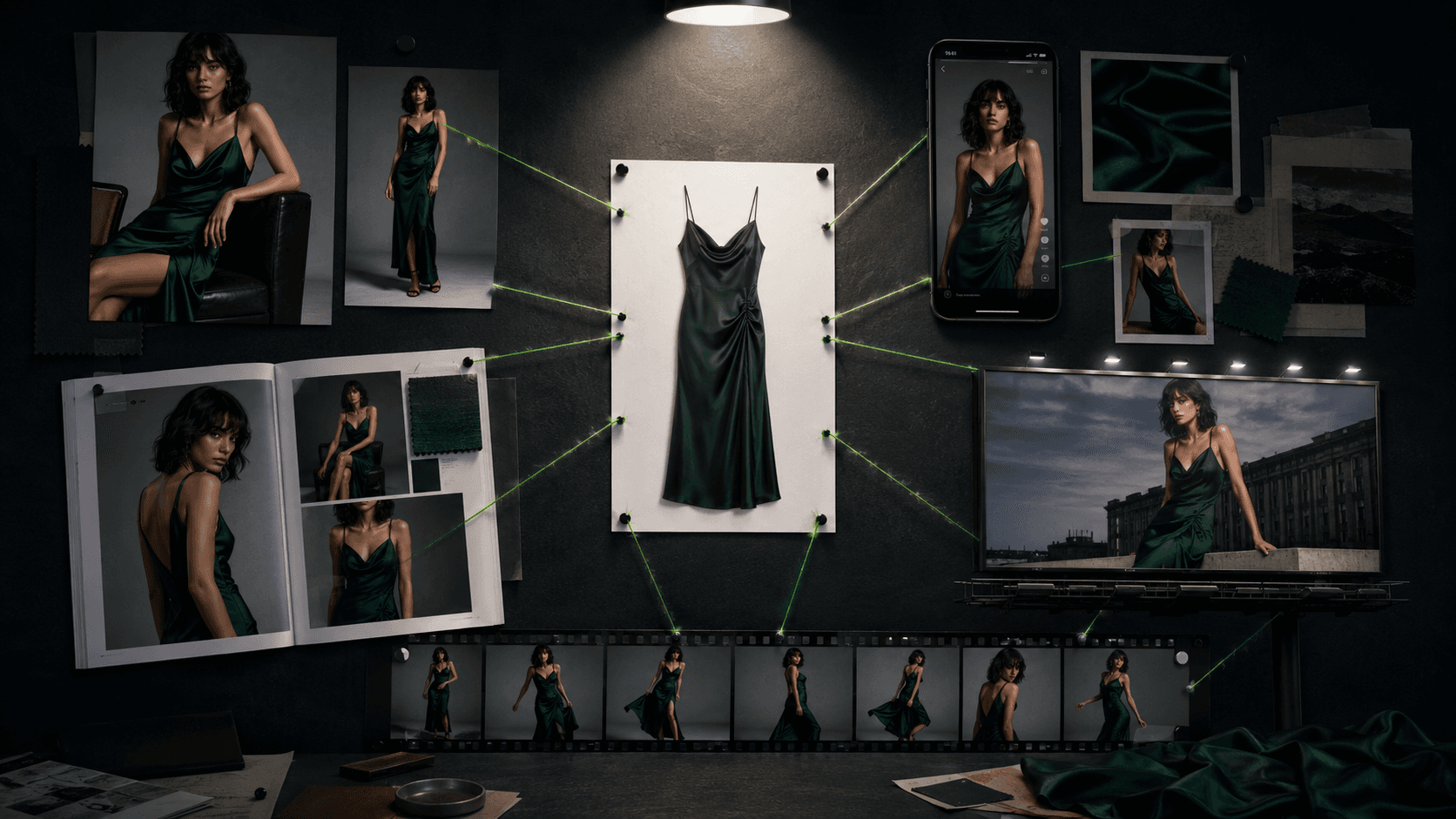
One Product Photo, Full Fashion Campaign: AI Images and Video That Sell (2026)

Best AI Fashion Model Generators for Clothing Brands (2026)

Wix Logo Maker Review (2026): Real Costs, the Edit Catch, and AI Alternatives