vLLM is an open-source LLM inference library from UC Berkeley that delivers high-throughput, memory-efficient serving for hundreds of open models. Free under Apache 2.0, with an OpenAI-compatible API and support for multi-GPU deployments.
vLLM is an open-source library for fast and memory-efficient large language model inference and serving. It was created at the UC Berkeley Sky Computing Lab in 2023 by Woosuk Kwon, Zhuohan Li, Siyuan Zhuang, and collaborators, and has since been donated to the PyTorch Foundation to ensure vendor-neutral governance. The core problem it solves is GPU memory fragmentation during LLM serving: before vLLM, inference servers wasted 60-80% of reserved KV cache memory by allocating contiguous blocks per sequence. vLLM's PagedAttention algorithm borrows virtual memory paging from operating systems to store KV cache in non-contiguous pages, cutting waste to near zero and enabling far more concurrent sequences on the same hardware.
The library ships with an OpenAI-compatible REST API server, continuous batching at the iteration level (not the request level), tensor and pipeline parallelism for multi-GPU and multi-node deployments, speculative decoding, and native support for quantization formats including GPTQ, AWQ, INT8, and FP8. It supports hundreds of models through HuggingFace Transformers integration: Llama 3.x, Mistral, Mixtral, Qwen, DeepSeek, Gemma, Phi, and vision-language models like LLaVA and Pixtral. The January 2025 v1 architecture rewrite disaggregated the scheduler from the worker loop, producing cleaner internals and better tooling for profiling production deployments. vLLM runs on NVIDIA, AMD ROCm, Intel Gaudi, and AWS Trainium hardware.
What vLLM actually does in April 2026
vLLM's job is to serve open-source LLMs at throughput levels that make production deployment economically viable. The mechanism is PagedAttention plus continuous batching. PagedAttention divides KV cache storage into fixed-size "pages" and manages them with a block table, eliminating the fragmentation that comes from pre-allocating a contiguous memory region for each sequence's maximum possible length. Continuous batching means the engine inserts new requests into an active batch as soon as a sequence finishes, keeping GPU utilization high rather than waiting for an entire batch to drain before starting the next.
The result, documented in the SOSP 2023 paper, was up to 24x higher throughput compared to a naive HuggingFace Transformers serving loop on the same hardware. In practical terms: a single A100 80GB serving Llama 3.1 8B can handle roughly 200 concurrent streaming users at acceptable latency where a naive loop might saturate at 10-20.
Starting the server is one command: vllm serve meta-llama/Llama-3.1-8B-Instruct --tensor-parallel-size 1. The server then exposes /v1/chat/completions and /v1/completions endpoints that match the OpenAI API spec. Any existing application using the OpenAI Python client can redirect to the vLLM server by changing the base URL and API key, with no other code changes. This compatibility is cited by platform engineers as the single biggest adoption driver, because it removes the migration barrier from prototype to self-hosted production.
Beyond the server, vLLM exposes an offline inference API for batch jobs. A data science team processing 100,000 classification completions can load a model once and run an LLM.generate() call on a list of prompts, achieving 5-10x throughput over sequential API calls. Teams at Together AI use this pathway for large-scale batch inference jobs where latency matters less than cost per token.
"We went from serving maybe 20 concurrent users to 200+ on the same hardware after switching to vLLM. The continuous batching is legitimately game-changing for our inference cost." - u/ml_infra_eng, Reddit r/LocalLLaMA, November 2023
"vLLM is what powers most of Together AI's inference stack. PagedAttention alone cut our KV cache memory usage by around 55% on long-context requests, which is where our margins were getting squeezed hardest." - Tim Dettmers, inference team, Together AI engineering blog, February 2024
Where vLLM sits versus TGI and SGLang
The three most-deployed open-source inference engines in 2026 are vLLM, HuggingFace TGI, and SGLang. They share goals but differ mechanically in ways that matter for specific workloads.
vLLM vs. TGI (Text Generation Inference): HuggingFace TGI has a simpler Docker-first entry point. The standard deployment is a single docker run command with a model ID. TGI added PagedAttention support in its v2 release in 2024, narrowing the throughput gap. However, vLLM's continuous batching operates at a finer granularity: it inserts new tokens into the active batch at every decoding step, while TGI batches at a coarser level in some configurations. In community benchmarks on Llama 3 70B at 4-bit quantization (r/LocalLLaMA, November 2024), vLLM typically achieves 15-25% higher output token throughput than TGI on high-concurrency workloads. TGI's advantage is HuggingFace Hub integration, a Rust-backed server with lower Python overhead, and a deployment story that requires less configuration. For teams already deep in the HuggingFace ecosystem, TGI is the natural first choice. For teams optimizing raw throughput at scale, vLLM generally wins.
vLLM vs. SGLang: SGLang, from the LMSYS group, introduces RadixAttention: KV cache sharing across requests that share a common prefix. In practice, this means a 2,000-token system prompt used by 1,000 concurrent users is computed and cached once, not 1,000 times. On agentic workloads, multi-turn conversations, and batch inference with shared prefixes, SGLang's RadixAttention can reduce time-to-first-token by 50-80% compared to vLLM. vLLM added its own prefix caching to close this gap, but SGLang's implementation remains more mature. Where vLLM holds a clear advantage: model support breadth (hundreds vs. a narrower list), multi-node pipeline parallelism tooling, quantization format coverage, and the size of the production operations community around it. For agentic AI workloads specifically, consider SGLang; for general-purpose serving with maximum model compatibility, vLLM remains the default.
A third competitor, NVIDIA's TensorRT-LLM, compiles models to optimized CUDA graphs and achieves higher peak throughput on NVIDIA hardware. The tradeoff is operational: TensorRT-LLM model compilation takes 30-60 minutes per model per GPU type. vLLM loads a model from disk in under a minute. For teams running many models or iterating frequently, vLLM's operational simplicity wins decisively. TensorRT-LLM is worth the compile cost only when squeezing peak tokens-per-second on a fixed model at scale. vLLM also runs on AMD ROCm, Intel Gaudi, and AWS Trainium; TensorRT-LLM is NVIDIA-only.
What the deployment reality looks like
A typical production deployment involves choosing a GPU instance (A10G for smaller models, A100/H100 for 70B+), installing vLLM via pip, and running the serve command. For a 70B model on 4x A100s, the command adds --tensor-parallel-size 4. Model weights download from HuggingFace Hub on first run, then cache locally. Cold start on a 70B model takes 3-8 minutes depending on storage speed. For services that need to scale to zero, this latency is a genuine constraint.
Multi-node deployments (pipeline parallelism across multiple servers) require either Ray or a custom distributed backend. Ray cluster setup is where most teams report losing hours. The vLLM documentation covers this adequately, but the failure modes (network configuration, NCCL errors, Ray dashboard confusion) are not well-documented. Engineers who have done it successfully recommend running a single-node setup first, validating model behavior, and only adding nodes once the baseline is stable.
For teams that want to avoid infrastructure management entirely, vLLM-based managed endpoints are available on Modal, Replicate, and Together AI, each offering the same OpenAI-compatible API with per-token pricing and no server management. The tradeoff is cost and data residency: self-hosting on your own GPU is cheaper at scale and keeps data on-premises.
The January 2025 v1 architecture brought cleaner internals, but also introduced some breaking changes in custom model registration. Teams running modified attention layers or non-standard architectures hit friction upgrading from v0.x. The maintainers published a migration guide, but teams with heavily customized deployments spent days debugging. That said, for standard model serving the v1 upgrade was universally positive in community feedback.
Who vLLM is built for
vLLM is infrastructure software, not a user-facing product. It is built for ML engineers and platform teams who have access to GPU hardware, are comfortable with Python and Linux environments, and need to serve open-source language models at throughput that justifies the infrastructure cost.
The strongest fit cases: an enterprise building a private LLM API for internal use (data stays on-premises, no vendor dependency); a team that found inference costs prohibitive on commercial APIs and wants to run a smaller fine-tuned model instead; a research lab that needs to run inference over large batches of text for experiments; a startup building a product on top of open-source models where margin requires self-hosting.
For teams already using open-source models locally via a GUI, pairing vLLM with a chat interface is straightforward. AnythingLLM and similar frontends can point at a local vLLM server. For users who want a batteries-included local model experience without server configuration, Ollama is the better starting point. vLLM is the right tool once throughput and concurrency become the primary concern, not ease of first run. Teams deploying at commercial scale with open-source model weights, such as those that might already be running models on Llama-family architectures, will find vLLM the most mature production option.
What vLLM is not
vLLM does not run on Windows natively. Users must use WSL2 or Docker, which adds friction for local development. It is not a GUI application, a chat interface, or a model management tool in the style of LM Studio. It does not fine-tune models. It does not provide built-in rate limiting, authentication, or billing: those require a proxy layer such as LiteLLM. It is not a managed service; there is no "vLLM Cloud" from the project itself. Teams that need a fully managed inference API without infrastructure responsibility should look at Replicate or Together AI (which runs vLLM internally). For engineers evaluating whether to self-host or use a managed API, vLLM tips the equation toward self-hosting once traffic reaches a scale where GPU instance costs are lower than per-token API fees, typically somewhere between 1-10 million tokens per day depending on model size and cloud provider.
User Reviews
No reviews yet. Be the first to share your experience!
Sign in to write a review.
Featured in collections
Curated lists that include vLLM.
Related articles
Guides and articles related to vLLM.
Run Open Source AI Models Locally: Battle-Tested Guide
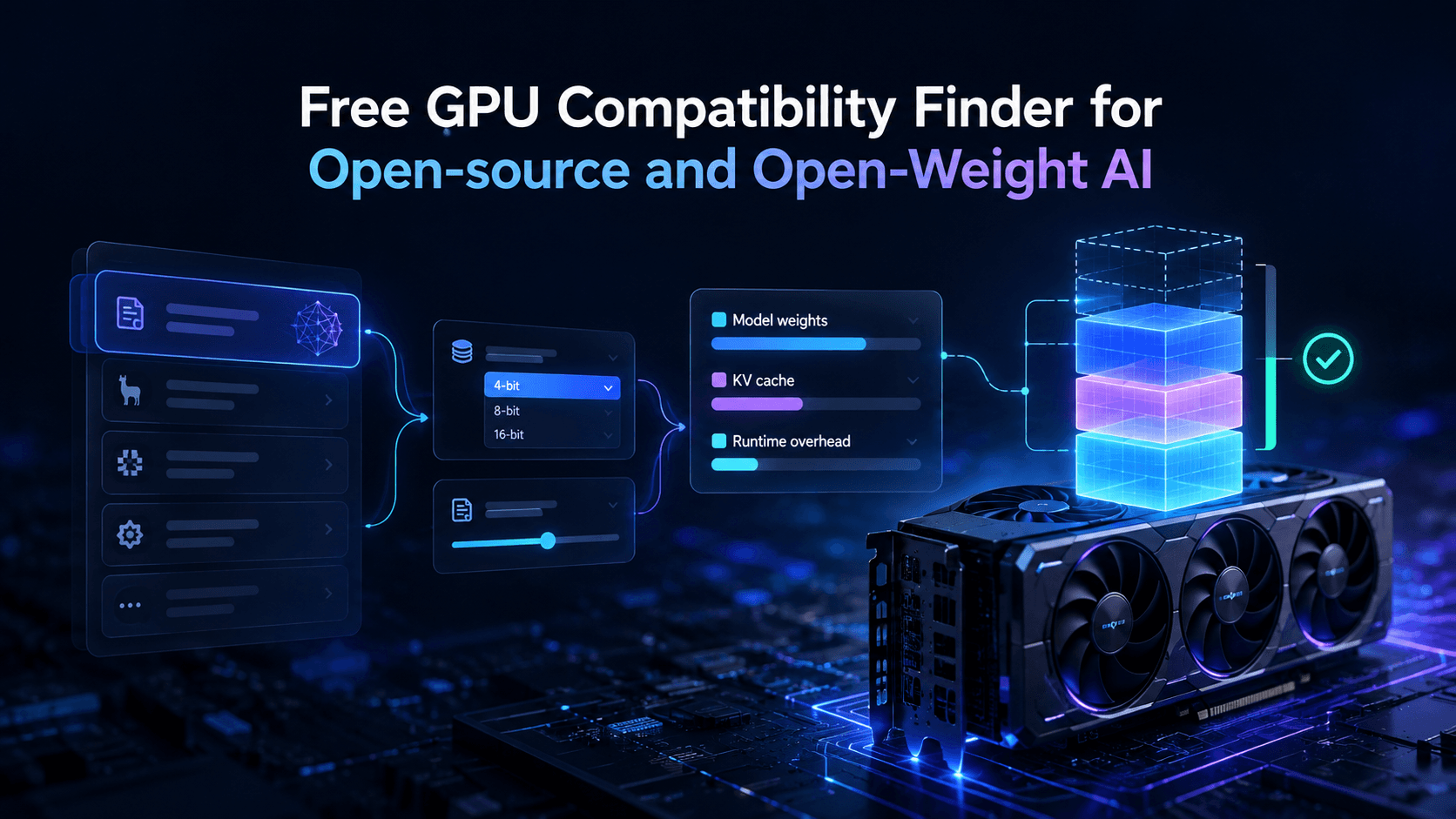
Vantaige Launches the LLM VRAM Calculator: A Free GPU Compatibility Finder for Open-source and Open-Weight AI
Mistral Medium 3.5 Self Host: 77.6% SWE-Bench on 4 GPUs (2026)

Nous Hermes 4: The Self-Hosted Open-Weight Agent Brain (2026)
Local Agentic Coding May 2026: Qwen 3.6 + BeeLlama.cpp + Star Elastic