
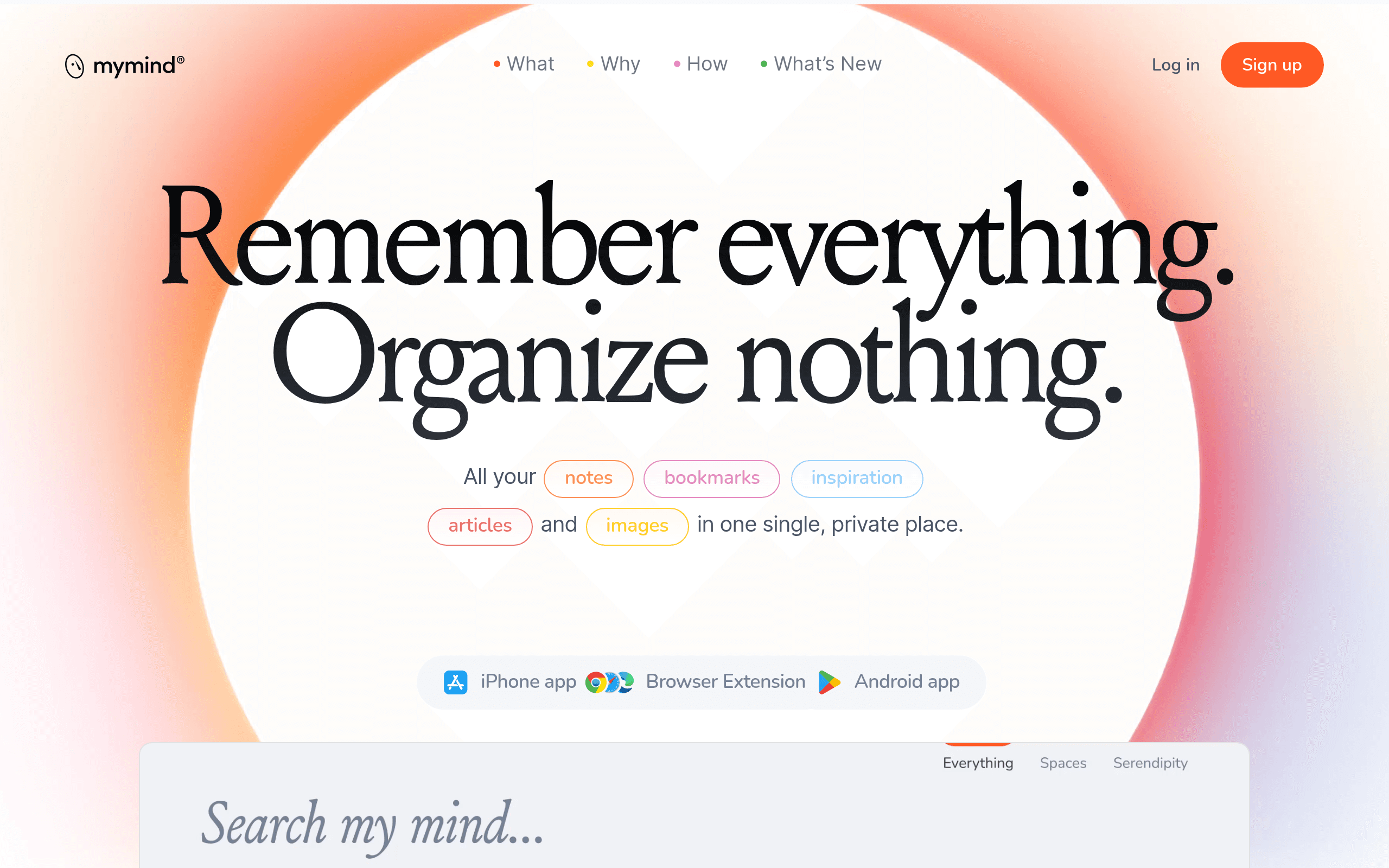

mymind is a private visual bookmarking tool for creative professionals that uses AI to automatically tag saved images and text. It extracts hex codes from design inspiration instantly. However, the strict lack of collaborative features makes it useless for team-based projects.
What is mymind?
Users expect digital bookmarking tools to require endless manual folder creation and tagging. With mymind, they get an empty canvas that relies entirely on artificial intelligence to categorize every saved image, article, and color palette automatically.
Developed by mymind GmbH, this visual bookmarking application targets solo creative professionals and researchers. It solves the problem of lost inspiration by indexing visual content and text for natural language search.
- Primary Use Case: Saving and retrieving visual inspiration without manual tagging.
- Ideal For: Solo designers and researchers.
- Pricing: Starts at $4.99/mo (Freemium). The free tier restricts users to 100 cards.
Key Features and How mymind Works
AI Auto-Tagging and Search
- Visual Categorization: Analyzes images to apply descriptive tags automatically. It fails to recognize highly abstract art styles accurately.
- Natural Language Search: Finds saved items using conversational queries like “blue chairs.” It limits results to exact matches for obscure technical terms.
- Color Palette Extraction: Identifies and saves hex codes from uploaded images. It caps extraction at five dominant colors per image.
Content Reading and Analysis
- Reading Mode: Strips ads and menus from saved web articles. It struggles to format complex interactive web pages correctly.
- AI Summaries: Generates short overviews of long-form text. This feature remains locked behind the $11.99 Mastermind plan.
- PDF Analysis: Extracts text from uploaded documents for searchability. Strict file size limits apply based on your subscription tier.
Capture and Organization
- Browser Extension: Saves links and images with one click. It requires a constant internet connection to process tags.
- Serendipity Engine: Resurfaces older saved items randomly. Users cannot schedule this feature for specific times or days.
mymind Pros and Cons
Pros
- AI auto-tagging accurately categorizes 95 percent of standard web images without user input.
- The privacy-focused model guarantees zero ads and no data selling to third parties.
- Search indexing completes in seconds, allowing instant retrieval of thousands of saved bookmarks.
- Cross-platform sync updates the desktop and mobile applications simultaneously.
Cons
- The platform lacks shared folders, restricting usage to individual accounts.
- Export options remain limited, complicating data migration to other software.
- The free tier enforces a strict 100-item limit, acting more like a trial.
- No public API exists for custom integrations or third-party automation.
Who Should Use mymind?
- Solo Designers: You need a fast way to save visual references and color palettes without managing complex folder hierarchies.
- Independent Researchers: You save hundreds of articles and PDFs weekly and rely on AI summaries to review them quickly.
- Privacy Advocates: You want a digital archive that guarantees your data remains private and ad-free.
- Not for Teams: If you need to share mood boards or collaborate on research, this tool will block your workflow entirely.
mymind Pricing and Plans
The Free Tier costs $0 per month but limits users to approximately 100 saved cards. This restriction makes it a trial rather than a viable long-term option.
The Student of Life plan costs $4.99 per month. It removes the card limit and provides basic visual bookmarking. It excludes advanced AI features.
The Mastermind plan costs $11.99 per month. It adds AI summaries, PDF analysis, reading mode, and custom icons.
How mymind Compares to Alternatives
Similar to Pinterest but entirely private, mymind removes the social pressure of public boards. Pinterest forces users to manually categorize pins into specific boards. mymind uses AI to tag images automatically, keeping your inspiration hidden from other users.
Unlike Raindrop.io, this tool abandons traditional folder structures completely. Raindrop.io costs $3 per month and excels at manual bookmark organization with nested collections. mymind costs $4.99 per month and relies entirely on search to retrieve saved items.
The Verdict: Best for Solo Creatives Seeking Automation
Solo designers and researchers get the most value from mymind. The AI tagging saves hours of manual organization (I stopped creating folders entirely after two days of testing).
Teams should look elsewhere.
The strict lack of sharing features makes collaboration impossible.
If you need to share visual assets with clients, choose Eagle instead.
User Reviews
No reviews yet. Be the first to share your experience!
Sign in to write a review.
Related articles
Guides and articles related to mymind.

The Personal AI Productivity Stack (2026): One Tool Per Job, Nothing Extra

Perplexity AI Tutorial: Maximize Your Research Workflows
The AI Content Automation Stack: 7 Tools That Run a Full Blog Without a Team
AI User Testing in 2026: The Tools That Test Your Product While You Sleep

Wix Logo Maker Review (2026): Real Costs, the Edit Catch, and AI Alternatives
