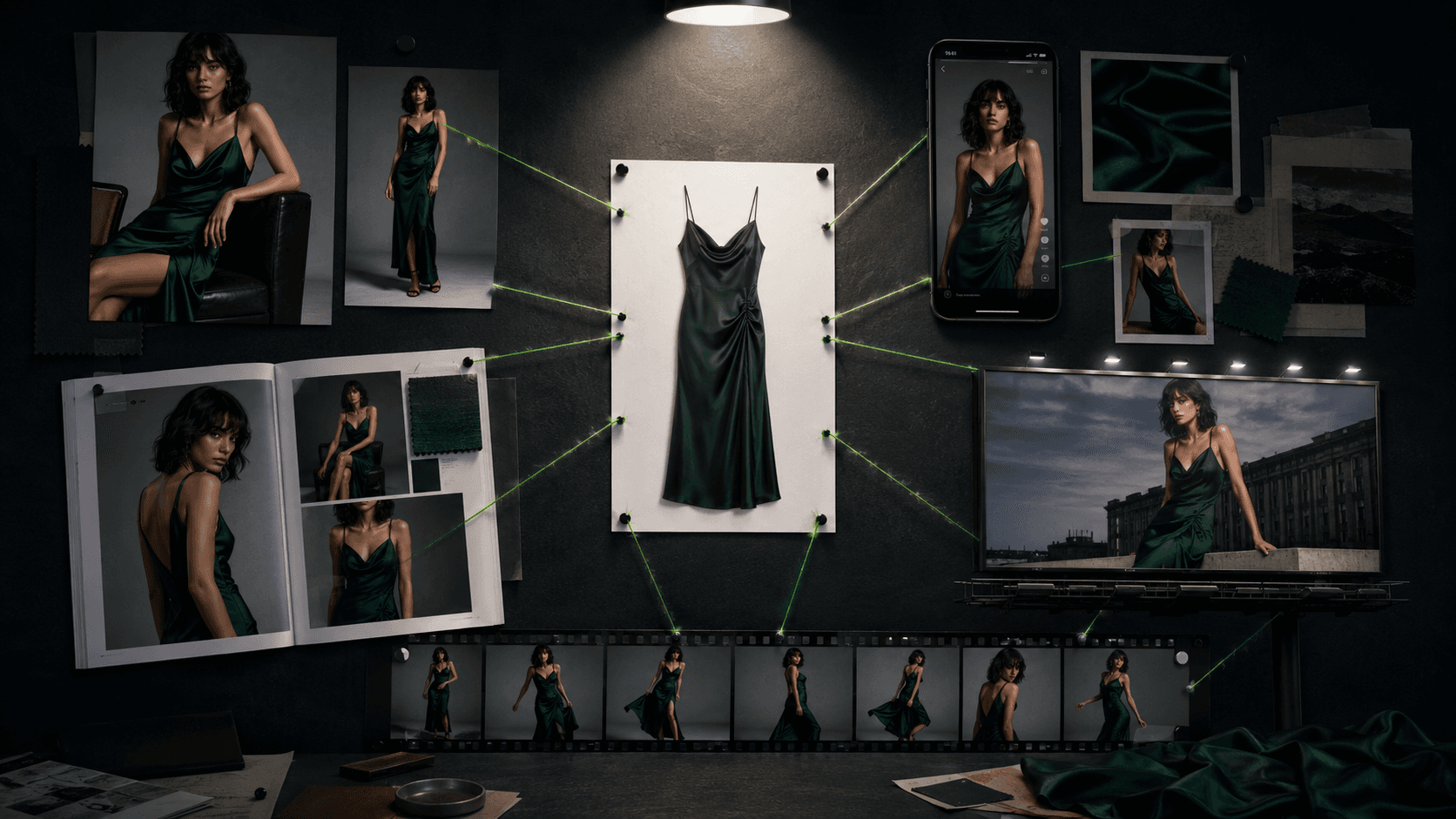
AI Fashion Prompts That Stay Consistent: The Working Formula (2026)

You paste a fashion prompt into Midjourney or gpt-image, get one usable shot, then run the next look in the set and the model's face has quietly changed. Different jawline, different hair, sometimes a different skin tone entirely. That's the problem nobody's free prompt list solves, because most of them aren't testing for it. They're generating one nice portfolio image per prompt and moving on. You need a lookbook where the same model shows up on page one and page twelve.
This article gives you the prompt formula that works across every major model, then the part that actually matters for commerce: how to lock a persona so she (or he) stays the same person across a full shoot. It ends with six complete, copyable prompts and the fixes for the failure modes you'll hit along the way. The six are pulled from the AI Models & Fashion Pack, the $27 tested library this whole workflow comes from, so you can see the quality bar before deciding whether to buy the rest.
Why AI Fashion Prompts Fall Apart
Two problems account for almost every bad output, and they're different problems that need different fixes.
Garment fidelity is the first. Prompts that name a garment ("a dress," "a jacket") without describing the material give the model nothing to render fabric physics from, so you get cardboard-stiff silk or liquid-limp denim. Fabric prints and logos warp. Hems land at the wrong length. Buyers researching this exact problem cite fabric and texture fidelity as the single most common evaluation criterion when they judge whether an AI-generated product photo is trustworthy enough to publish.
Model consistency is the second, and it's the one almost nobody addresses in public prompt lists. A brand needs the same model identity across dozens of SKUs, not a new face every generation. Most fashion prompt round-ups online are built for one-off art pieces: they show a sample image for roughly every five to eight prompts and never touch what happens when you need the same face fifteen times in a row. That's the gap this article is built to close. If you'd rather skip prompting and get persona-locking handled for you, tools built specifically for this exist. Uwear and WearView both build reusable model identities into their workflow so you're not managing seeds and reference URLs by hand.
The Prompt Anatomy That Works Across Every Model
Testing and vendor guidance converge on the same underlying structure regardless of which model you're using: subject, then style, then composition and camera, then lighting, then mood, then technical constraints, written as one flowing paragraph rather than a stack of comma-separated keywords. Google's own guidance for its Nano Banana image models is explicit that "a simple list of keywords won't cut it," and gives the formula subject, action, location or context, composition, style. OpenAI's cookbook guidance for gpt-image models converges on the same order: background and scene first, then subject, then key details, then constraints. Midjourney and Stable Diffusion 3.x reward the same anatomy but tolerate tighter, tag-adjacent phrasing layered on top of the narrative.
A few elements transfer to every model without exception:
Fabric physics language. Name the fiber, the weave or knit, the finish, and the drape behavior as a chain: "raw silk charmeuse, bias-cut, fluid drape with soft pooling at the hem." Vague nouns fail on every model; material-first phrasing works on every model.
Camera and lens vocabulary. Focal length plus aperture plus shot type reads as high-level look guidance everywhere: 85mm at f/2.8 for a garment-close editorial shot, 35mm at f/4 for a full-body campaign frame, a top-down packshot framing for ecommerce. Treat this as composition guidance, not literal optical simulation.
Named lighting setups. "Three-point softbox, key at 45 degrees, soft fill" and "golden hour backlighting, long shadows" are understood identically across Midjourney, Flux, gpt-image, Stable Diffusion, and Nano Banana.
Positive exclusions instead of negative prompts. Stable Diffusion 3.x is the only family that still meaningfully honors a literal negative-prompt field, and even there current guidance is to keep it under roughly ten concrete terms, since SD3.5's architecture responds to negative syntax less reliably than SD1.5 or SDXL did. Midjourney, Flux, gpt-image, and Nano Banana have no negative-prompt field at all: you get the same effect by stating exclusions positively inside the prompt itself ("no visible logo distortion," "keep hem length as specified") and, for reference-based workflows, by writing an explicit preserve list.
Length discipline. Across every model tested, prompts beyond roughly 100 to 150 words start fragmenting the model's attention. The working range is one dense, well-ordered paragraph of 80 to 150 words, which is the length every example below targets.
The Consistency Playbook: Keeping the Same Model Across a Whole Lookbook
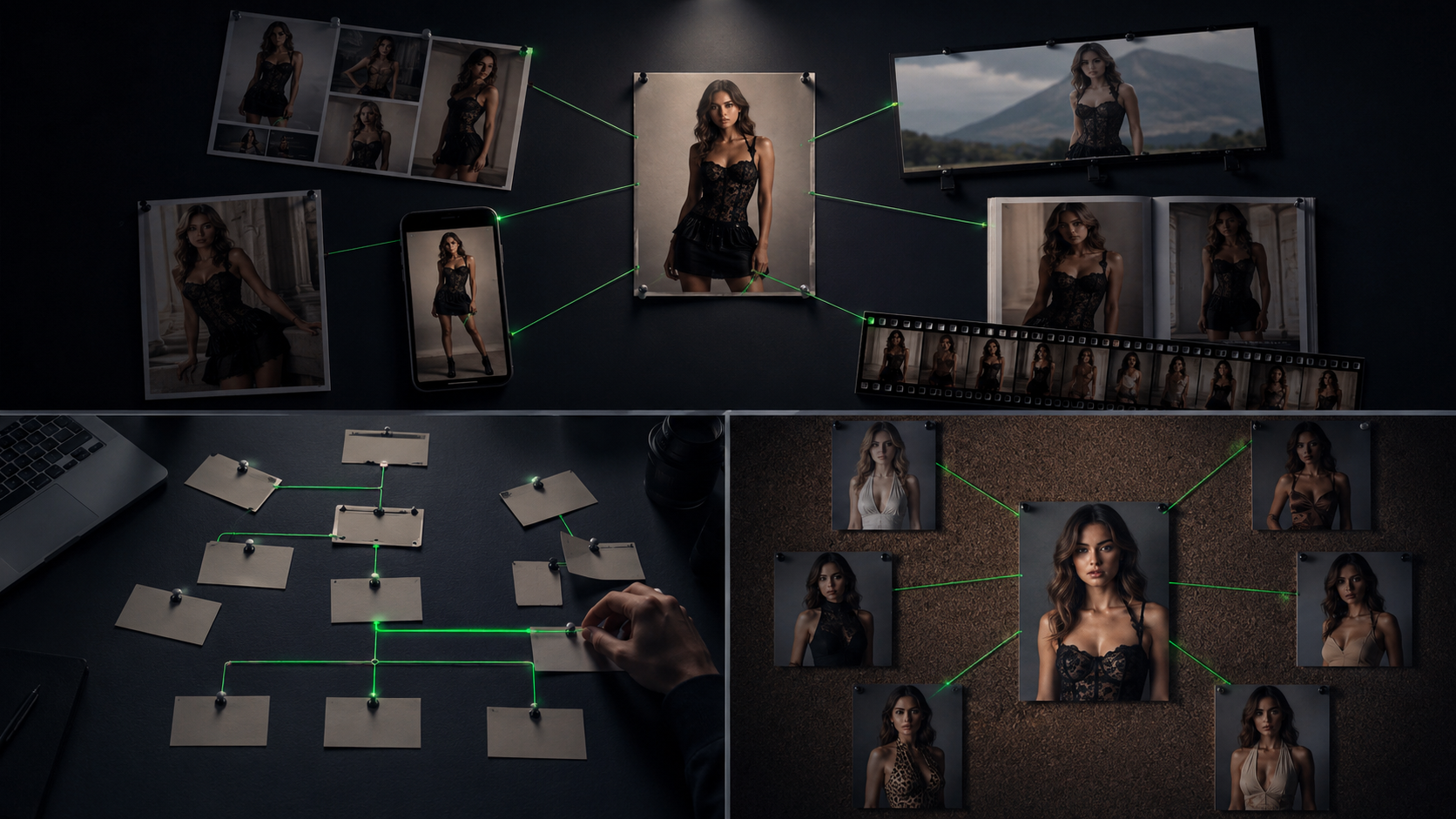
This is the part free prompt lists skip. Each model family solves persona consistency differently, and knowing which lever your model actually has saves you a lot of wasted generations.
Midjourney V7: Omni Reference, not Character Reference
The old Character Reference parameter (--cref) is deprecated and incompatible with V7. Midjourney's own documentation now points to Omni Reference, launched May 2025: append --oref <image_url> plus an omni weight value --ow from 1 to 1000 (default 100). Use 25 to 50 for loose style transfer and 400 to 1000 for high-fidelity replication of a face, but push past roughly 400 carefully, since results get unpredictable that high unless you also dial stylize down. Only one reference image is supported at a time, which is a real limitation for a full lookbook. The practical workaround: run every look through the same --oref persona image for identity, and pair it with Style Reference (--sref <url> --sw <0-1000>) locked to one style image, so identity and art direction are controlled by two separate, reusable reference URLs across the whole shoot.
Flux: Kontext and Redux
Flux Kontext, from Black Forest Labs, is reference-driven: feed one clean reference image, set reference strength to roughly 0.9, and it holds facial identity and clothing across a multi-turn sequence, with benchmarks showing around 97% facial consistency and 92% outfit retention across 20 turns from a single 512x512 reference. The Redux pathway then does a second-pass, higher-resolution regeneration that preserves identity through upscaling. Known failure edges worth planning around: head turns beyond roughly 90 degrees break consistency in a meaningful share of generations, and drastic lighting swaps (day to night) drop match rates sharply. Keep pose variation moderate and lighting condition consistent within one shoot, then vary lighting only between distinct "chapters" of the lookbook rather than between adjacent frames.
gpt-image family: reference images and preserve lists
Consistency here is reference-image-driven and instruction-driven rather than parameter-driven. Upload the persona reference and say explicitly, "using this exact character reference, maintain visual continuity." For multi-image inputs, reference each input by index ("Image 1: persona reference. Image 2: garment flat-lay.") and repeat an explicit preserve list on every prompt in the sequence: "preserve face, body shape, hair, skin tone; change only garment and background." Drift compounds silently if you skip this step. For try-on specifically, OpenAI's own guidance is to lock the person completely (face, body, pose, hair, expression) and let only garment and lighting vary, so the outfit doesn't look pasted on.
Stable Diffusion 3.5: descriptor-locking and seeds
SD3.5 has no native named-persona reference system at the API level the way Midjourney or Flux do. Consistency comes from the traditional stack: a fixed seed plus IP-Adapter or ControlNet-style conditioning plus a verbatim, unchanging persona description block reused word-for-word across every generation in the set. This is the least automatic of the model families and the most dependent on prompt discipline.
Nano Banana and Nano Banana Pro: multi-reference, natively
Google's Gemini image models handle this most directly. Multi-reference is native and generous: up to 14 reference object images and up to 5 people can be held consistent in one workflow, using the formula reference images, then relationship instruction, then new scenario. For example: "Using the attached persona reference for identity and the attached garment reference for texture, place this exact person in a new desert-location editorial shot, identity and attire held consistent, viewed from a 3/4 angle." Google's own fashion example explicitly instructs the model that identity and attire must stay consistent while the person can be seen from different angles, which is the most direct, lookbook-native consistency syntax of any model surveyed.
The universal fallback: the persona block
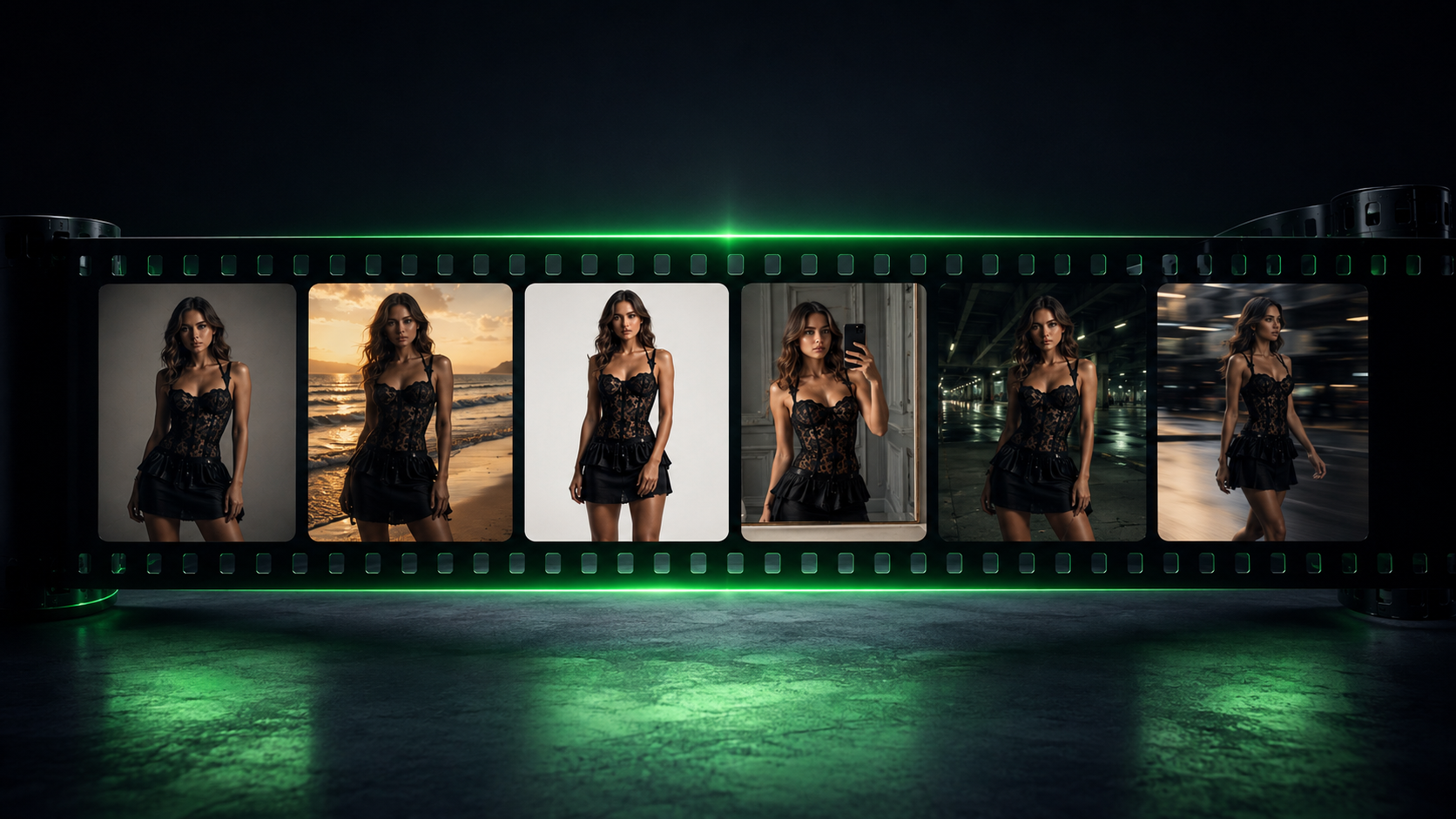
Every model above supports one method, because it doesn't depend on any reference-image feature at all: write one detailed, named persona paragraph once, covering age, ethnicity or skin tone, exact hair color and length and part, face shape, brow shape, height, and build, then paste that block verbatim and unedited at the front of every prompt in the set, plus a fixed seed wherever the model supports one. It's slower than a reference-image workflow, but it's the one technique that works identically everywhere, which is why every example below opens with a persona block written to be copied unchanged.
Fabric and Garment Fidelity Language
Layer garment description the way a technical pack does: base material, then weave or knit structure, then surface finish, then drape behavior, then a construction detail. "Midweight cotton twill, herringbone weave, matte finish, structured drape holding a crisp silhouette at the shoulder, visible topstitching along the lapel" out-performs adjective-only description like "nice jacket" on every model tested.
Know which of the three shot modes you're asking for, since they aren't interchangeable:
On-model. Full persona, pose, and environment. Used for editorial, campaign, and UGC-style content.
Flat-lay. Garment photographed or generated from directly above on a surface, no body implied: "top-down flat lay, garment arranged naturally with slight fabric folds, soft even studio light, no shadow beyond garment edge."
Ghost mannequin. The garment holds 3D human form with no visible body or mannequin, the ecommerce gold standard: "ghost mannequin product shot, garment shown fully filled out in 3D form, no visible model, no mannequin, neck and interior collar area shown hollow, pure white seamless background, even shadowless studio lighting."
All three are catalog-standard, and most brands run all three per SKU. Ghost mannequin generation specifically is a workflow that tools like Claid and Botika automate well if you'd rather not build the prompt yourself for every product.
Six Prompts You Can Copy Right Now
Every prompt below opens with the same reusable persona block, so you can see exactly how the consistency techniques above apply in practice. Swap the persona description for your own model once, then reuse it verbatim across every shot in your set.
Persona block (reuse verbatim across all six): "a 29-year-old woman with warm olive skin, dark brown wavy hair falling just past her shoulders with a center part, high cheekbones, straight natural brows, minimal dewy makeup, 5'9" athletic-lean build, calm confident expression."
1. Studio on-model (editorial-clean)
"[Persona block], standing three-quarter turn against a seamless dove-grey studio backdrop, wearing a fitted charcoal wool-crepe blazer over a silk camisole, structured shoulder, natural drape at the waist. Fabric holds a crisp architectural line at the shoulder while the hem moves softly with a slight forward step. Lit with a three-point softbox setup, key light at 45 degrees, soft fill, subtle rim light separating her from the backdrop. Shot on an 85mm lens at f/2.8, medium-full framing, sharp focus on garment construction and stitching detail. Fashion-magazine editorial color grade, true-to-fabric color, no logo distortion, no extra fingers, hands relaxed at her sides."
Why it works: the fabric-physics chain (structured shoulder, natural drape) and the named three-point rig give the model concrete, non-conflicting instructions instead of a vague mood word.
2. Editorial outdoor (golden hour)
"[Persona block], walking along a windswept coastal path at low tide, wet sand reflecting the sky, wearing a flowing bias-cut silk slip dress in burnt-sienna, fabric catching the breeze. Golden hour backlighting throws long shadows and rims the silk edge with warm light; fabric shows true fluid drape with soft movement, not static or stiff. Shot on a 35mm lens, f/4, full-body framing with generous negative space for a magazine cover crop. Natural, unforced walking pose, one hand loosely grazing her hair. Warm cinematic color grade, true fabric sheen preserved, no fabric distortion at the hem."
Why it works: naming the drape behavior twice (in the garment line and again as an exclusion) protects the one property outdoor wind prompts most often break.
3. Ecommerce packshot on-model (conversion-focused)
"[Persona block], standing centered against a pure white seamless background, wearing a mid-weight cotton-twill trench coat, herringbone weave, matte finish, structured shoulder, belt cinched at the natural waist. Even, shadowless studio lighting from a large overhead softbox plus side fill eliminates harsh shadows so every seam and topstitch reads clearly. Shot on a 50mm lens at f/5.6, straight-on eye-level angle, full garment visible from collar to hem, hem length hitting precisely mid-thigh. Neutral, approachable expression, hands loosely at sides. Sharp, clean commercial finish, true-to-swatch color accuracy, no visible seam warping, no shadow beyond the garment's own contact point."
Why it works: stating hem length in explicit relative terms (mid-thigh, not just "trench coat") fixes the proportion errors that most product-photo failures trace back to.
4. UGC-style phone shot (authentic, low-fi)
"[Persona block] taking a mirror selfie in a sunlit apartment bedroom, unmade bed and clothing rack softly out of focus behind her, wearing an oversized ribbed-knit cardigan in cream, chunky cable texture, slightly slouched drape, over a fitted white tee. Shot as if on a modern smartphone camera, slightly wide field of view, natural handheld framing with minor tilt, soft window light from the left creating gentle natural shadow. Casual, candid half-smile, phone partially visible in the mirror reflection. Slightly warm, unedited phone-photo color rendering, visible but natural knit texture, no over-sharpened skin, no studio-perfect symmetry."
Why it works: explicitly asking for imperfection (handheld tilt, unedited color) is what separates a believable UGC frame from an obviously studio-lit one wearing a UGC label.
5. Campaign hero (moody, brand-flagship)
"[Persona block] standing still and statuesque in an empty concrete underpass at dusk, single distant streetlight, wearing a floor-length black satin gown, sharp bias-cut seams, subtle sheen catching available light. Chiaroscuro lighting, harsh single-source key light from camera-left creating deep, high-contrast shadow across the architecture and garment folds. Shot on an 85mm lens, f/2, low-angle hero framing, shallow depth of field isolating her against the blurred concrete. Cinematic color grading with muted teal-and-black tones, fine film grain. Fabric sheen and structured drape both clearly readable in the shadow side. No blown-out highlights on the satin, no lost garment silhouette in the shadow."
Why it works: naming where the fabric must stay readable ("in the shadow side") stops high-contrast lighting from erasing the one detail a campaign shot needs to sell the garment.
6. Video, garment reveal (Kling, Veo, or Runway-class, roughly 6 to 8 seconds)
"[Persona block] stands facing camera in a minimalist white studio cyclorama, wearing a plain trench coat. Slow, deliberate motion: she unties the belt and opens the coat in one continuous 4-second reveal to show a metallic pleated cocktail dress underneath, fine micro-pleats catching light with every fold, then holds a still pose for the final 2 seconds. Fabric physics: pleats hold sharp structure but sway naturally with her arm movement, no warping or melting at the fold lines. Soft continuous studio lighting, consistent color temperature throughout, no flicker. 24fps, locked camera at 85mm equivalent, shallow depth of field. Natural hand movement, no extra fingers, no morphing between frames."
Why it works: splitting the motion into an explicit timed sequence (4 seconds of reveal, 2 seconds held) gives video models a structure to follow instead of one ambiguous action verb. For more on video-specific fashion prompting, see One Product Photo, Full Fashion Campaign.
These six cover the shot types most small brands actually need for a launch: studio, editorial, ecommerce, UGC, campaign, and video. The $27 AI Models & Fashion Pack on Gumroad is the tested library these were pulled from, built specifically for commerce-usable on-model photography rather than one-off art pieces.
Common Failure Modes and Prompt-Level Fixes
Failure mode | Prompt-level fix |
|---|---|
Melted or extra hands | Not fully fixable by prompt alone since it's probabilistic. Specify simple hand poses ("hands relaxed at sides," "one hand resting in pocket") rather than complex gestures, and crop tight to the garment when a hand only partially enters frame. |
Warped logos, prints, or text | State "logo and print rendered sharp and undistorted, correct proportions, no smearing," and where the model supports it, feed a clean reference image of the print rather than describing it in words only. |
Wrong drape physics (stiff fabric reading as cardboard, or flowy fabric reading as static) | Name the drape explicitly: "fluid, body-skimming drape with soft pooling" versus "structured drape holding sharp architectural lines," and avoid pose requests that demand stretching the named fabric wouldn't physically do. |
Wrong garment length or proportion | Always state hem length and fit in relative terms ("hem hitting mid-calf," "cropped above natural waist") rather than relying on the garment name alone. |
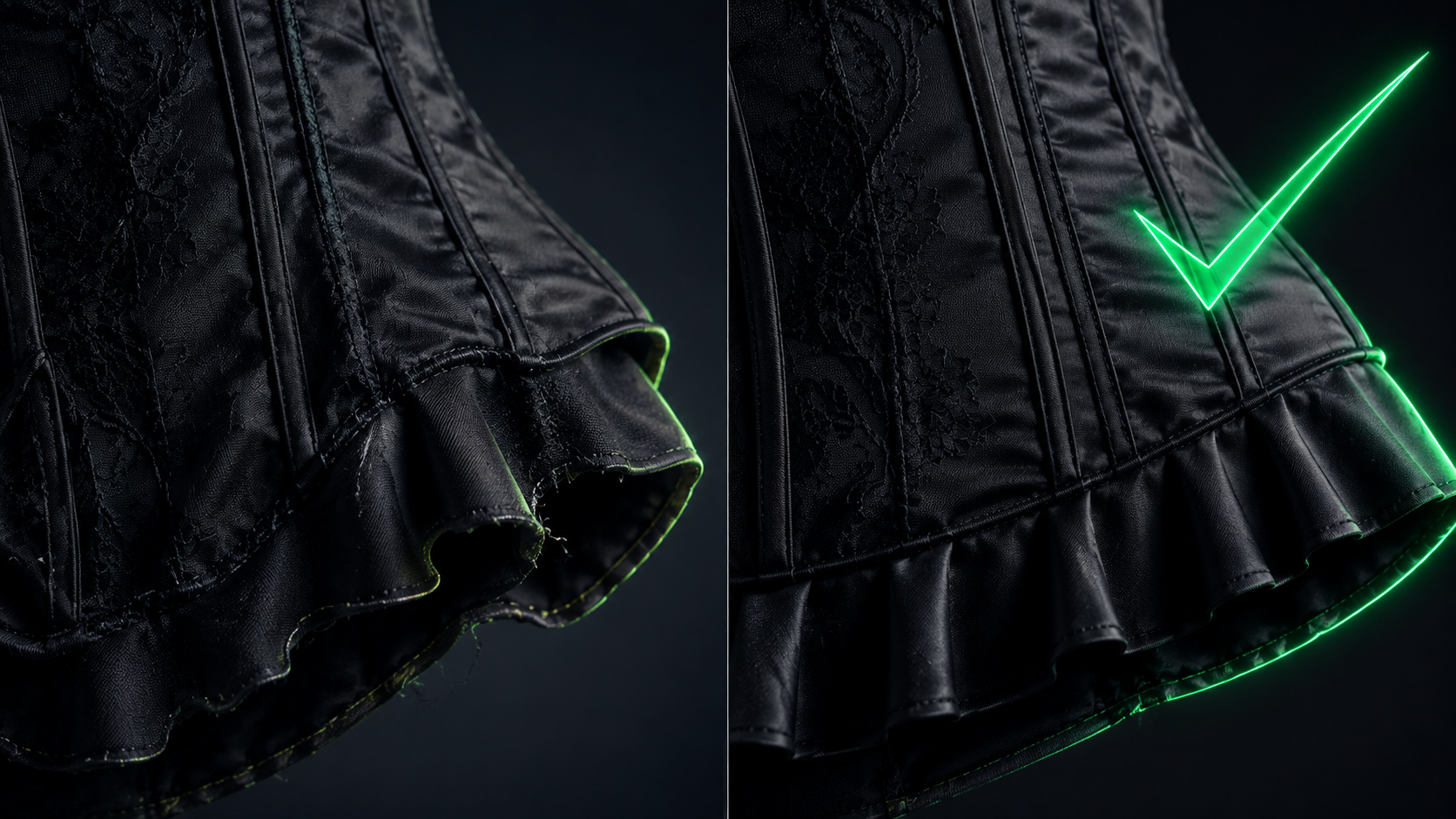
If you'd rather not troubleshoot these case by case, on-model and try-on platforms like FASHN and VModel handle a lot of this hand and drape reliability at the product level, and are worth a look alongside the DIY prompt route. For the full landscape of tools versus prompting, see Best AI Fashion Model Generators for Clothing Brands and How to Get an AI Model Wearing Your Clothes.
FAQ
What is the best AI for consistent fashion model prompts?
There isn't a single best model; it depends on what you need. Nano Banana and Nano Banana Pro have the most direct native multi-reference syntax for holding identity and attire consistent across angles. Flux Kontext has the strongest benchmarked facial-consistency numbers from a single reference image. Midjourney V7 requires the Omni Reference workaround since only one reference image is supported at a time.
How do I keep the same AI model's face across multiple images?
Use whichever reference-image system your model supports (Omni Reference in Midjourney, Kontext in Flux, indexed reference images in gpt-image, multi-reference in Nano Banana), or fall back to descriptor-locking: paste one detailed persona paragraph verbatim into every prompt and pair it with a fixed seed where the model allows one.
What is Midjourney's Omni Reference and how is it different from Character Reference?
Character Reference (--cref) is deprecated and doesn't work with V7. Omni Reference (--oref) is its replacement, taking a reference image URL plus an omni weight (--ow) from 1 to 1000. Only one reference image is supported at a time, so pair it with Style Reference (--sref) for full lookbook control.
Why does my AI fashion model's face change between generations?
Because most models have no memory between prompts by default. Without a reference image, a fixed seed, or a verbatim persona block reused every time, the model resamples a new face on every generation. This is the core problem this article's consistency playbook solves.
Do negative prompts work for fashion AI images?
Only meaningfully in Stable Diffusion 3.x, and even there, keep the list under roughly ten concrete terms since SD3.5 responds to negative syntax less reliably than older SD versions. Midjourney, Flux, gpt-image, and Nano Banana have no negative-prompt field, so state exclusions positively inside the prompt instead.
How long should an AI fashion prompt be?
Aim for 80 to 150 words in one flowing paragraph. Prompts longer than roughly 150 words tend to fragment model attention across every family tested.
What's the difference between a flat-lay, ghost mannequin, and on-model shot?
On-model shows the full garment on a person with pose and environment. Flat-lay shows the garment from directly above on a surface with no body implied. Ghost mannequin shows the garment holding 3D human form with no visible model or mannequin, which is the ecommerce catalog standard. Most brands need all three per SKU.
Is it worth buying a tested fashion prompt pack instead of writing my own?
If you're running a real product catalog, a tested pack saves the trial-and-error cost of discovering which fabric language, camera settings, and consistency techniques actually work per model. The AI Models & Fashion Pack is built around exactly the commerce-usable, on-model use case this article covers.
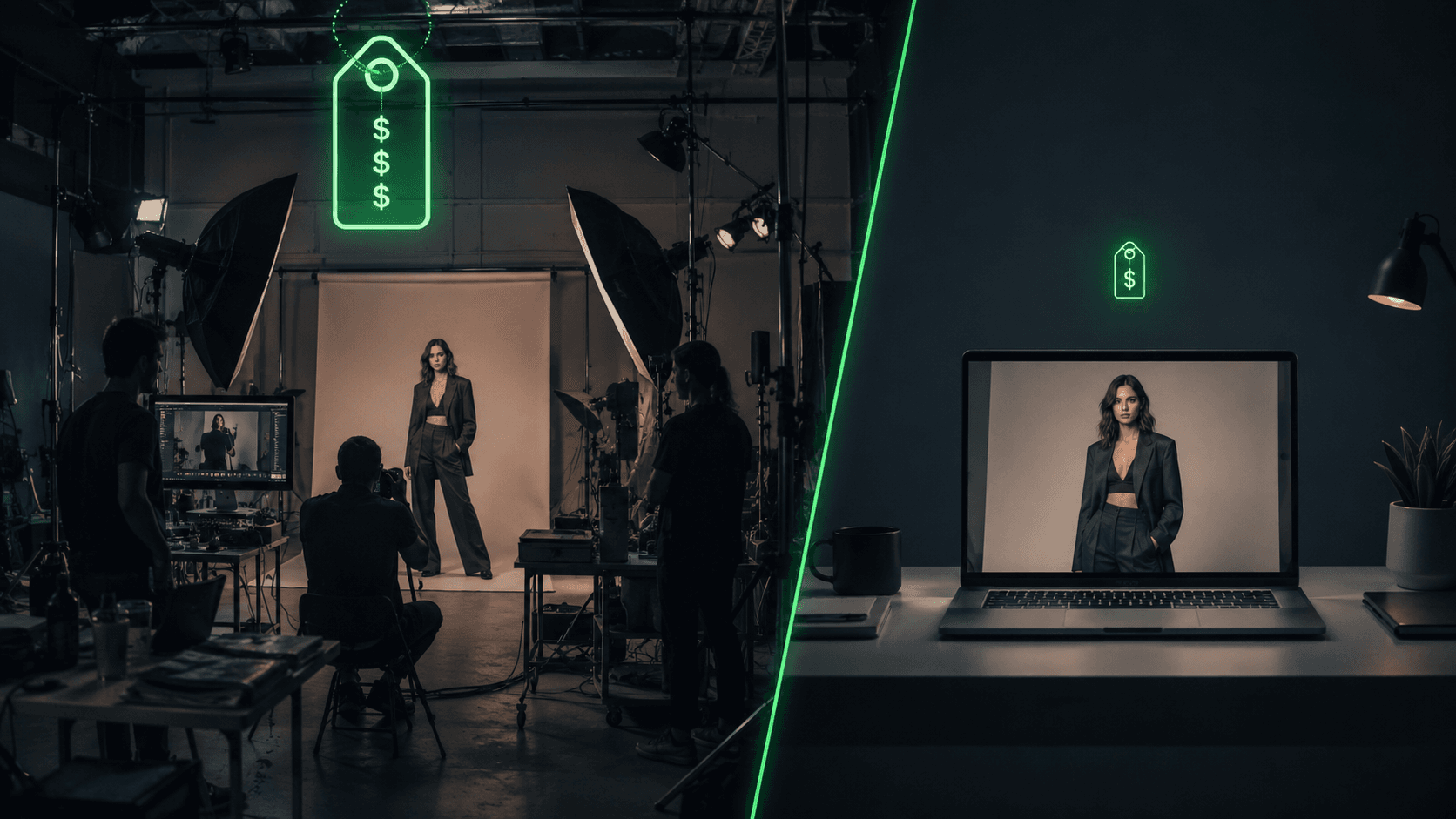
Some links in this article are affiliate links. See our affiliate disclosure for details. If you're weighing the full cost picture of prompting versus paid tools versus a traditional photoshoot, the cost breakdown lives in AI Clothing Photoshoot Cost.
References
Get the best new AI tools and guides, weekly
One short email a week. The tools worth trying, the guides worth reading, nothing else.
No spam. Unsubscribe anytime.
Aymen B
Contributing writer at Vantaige, covering the AI tools ecosystem.