


Botika is a Shopify-native AI clothing model generator that turns flat-lays and mannequin shots into on-model photos and short video, with optional human quality review. Built for Shopify apparel brands, though it is the priciest per image in its class and its NSFW filter blocks swimwear.
Botika is an AI clothing model generator built first and foremost for Shopify merchants. Upload a flat-lay, a ghost-mannequin shot, or a homemade product photo, pick an AI model and a background, and Botika returns studio-style on-model imagery in a day or two instead of the weeks a real shoot takes. It was founded around 2018 by Eran Dagan and Yarin Didi Meir in Tel Aviv, raised an $8 million seed in January 2025, and now serves more than 1,000 brands across the US and Europe, including names like Forever 21 and Perry Ellis.
The detail that sets Botika apart from generic image tools is what is under the hood: it trains its own fashion foundation models from scratch, with no real people, no external model database, and no text prompts, so the system is tuned specifically for how garments fold, drape, and stretch. For a Shopify apparel brand or boutique owner who wants professional catalog images without learning prompt engineering, that focus plus a native Shopify Connector is the pitch. This review is for clothing brand owners and DTC sellers weighing convenience against cost.
What Botika makes in June 2026
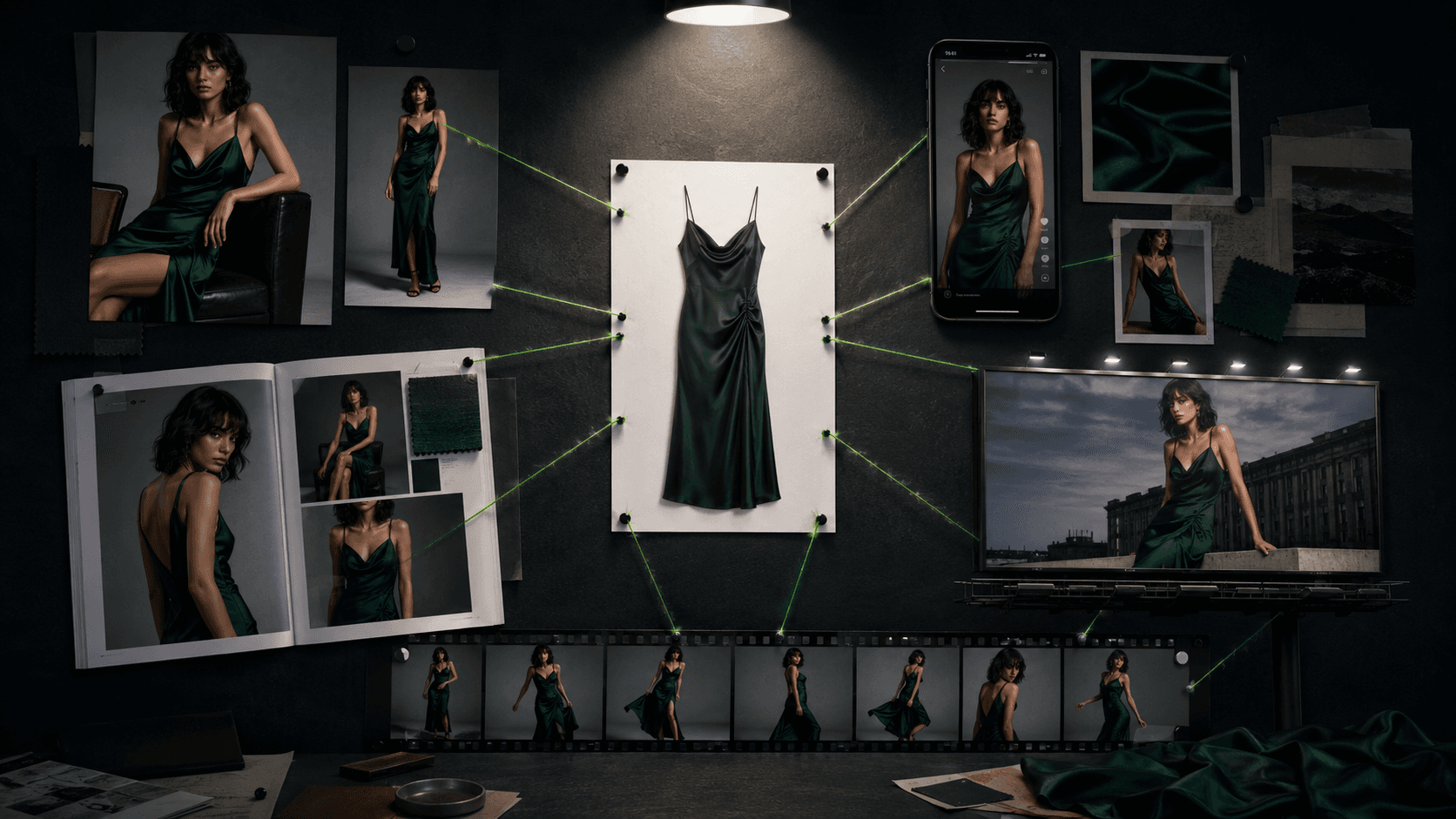
Botika's flagship is on-model photos from flat-lays: a garment image in, an AI model wearing it out. It also does mannequin-to-model swap, garment photo enhancement (cleaning up low-quality or homemade shots), background replacement across studio, lifestyle, and editorial looks, and short AI fashion video that shows fit and motion at 5 credits a clip. Model diversity spans body types, skin tones, ages, and ethnicities, all synthetic. There is bulk upload for processing several garments at once, though this is not the 10,000-item CSV pipeline that catalog-scale rivals offer.
The distribution is the real story. Botika ships a native Shopify app whose Connector syncs products both ways between your store and the platform, plus an iOS companion app launched alongside the January 2025 relaunch. What it deliberately is not: there is no consumer-facing try-on for your shoppers, no text-to-image prompting, and no public developer API.
Custom-trained models, and the quality reality
Because Botika builds purpose-trained fashion models rather than wrapping a general image generator, simple garments, t-shirts, basic dresses, tops, tend to render cleanly, and the September 2025 Botika 2.0 update visibly improved skin tones, hair, and facial expressions. Plenty of merchants are happy:
"It offered a variety of models and scenery to choose from and it's very easy to use." (Irma Emporium, United States, Shopify App Store, May 2025)
The reality check is consistency. Independent reviews report anatomical slips on hands and fingers, occasional fit irregularities, and warped logos or prints on complex garments, the same failure modes that dog every tool in this space, but frequent enough here to matter. Botika also does not offer a reusable brand model identity across your whole catalog, which is a gap rivals like FASHN and Modelia have closed. The mitigation is on its top tier: the Advanced plan adds white-glove human quality control, where a Botika reviewer checks each image before delivery, which raises the quality floor at the cost of speed and money.
The Shopify-native workflow and human QC
If you live in Shopify, Botika's workflow is its best feature. The Connector pulls product images straight from your catalog, you generate on-model shots, and the results push back to your product listings without a single manual export or re-upload. For a boutique owner who does not want to juggle files, that end-to-end loop inside the Shopify admin is genuinely convenient. The human QC option on the Advanced plan is the other differentiator: for brands selling premium or complex garments where a distorted image is worse than no image, having a person catch failures before delivery is something no fully automated competitor offers. Those two things, native Shopify plumbing and an optional human safety net, are what you are really paying the premium for.
Botika vs FASHN.ai vs Uwear
Here the comparison gets blunt about price. FASHN.ai is a virtual try-on engine with the best garment drape in the category and a developer API at roughly $0.10 an image, while Botika generates models from scratch and charges around $1.10 an image, more than ten times as much. Uwear is built for catalog scale, with a 10,000-item CSV batch, a shopper-facing try-on widget, and a far cheaper per-image cost. Against both, Botika is the expensive option, and the honest case for it is not price.
The case for Botika is convenience and assurance: a native Shopify app and optional human QC that neither FASHN nor Uwear matches. If you want a broader, cheaper toolkit with accessory try-on, Modelia starts at a $12 one-time plan, and if you want shopper-facing try-on plus video in one workspace, WearView covers that. Choose Botika specifically when Shopify-native workflow and a human review layer are worth paying a premium for, and choose almost anything else when cost per image is the deciding factor.
Botika pricing: why it costs more per image
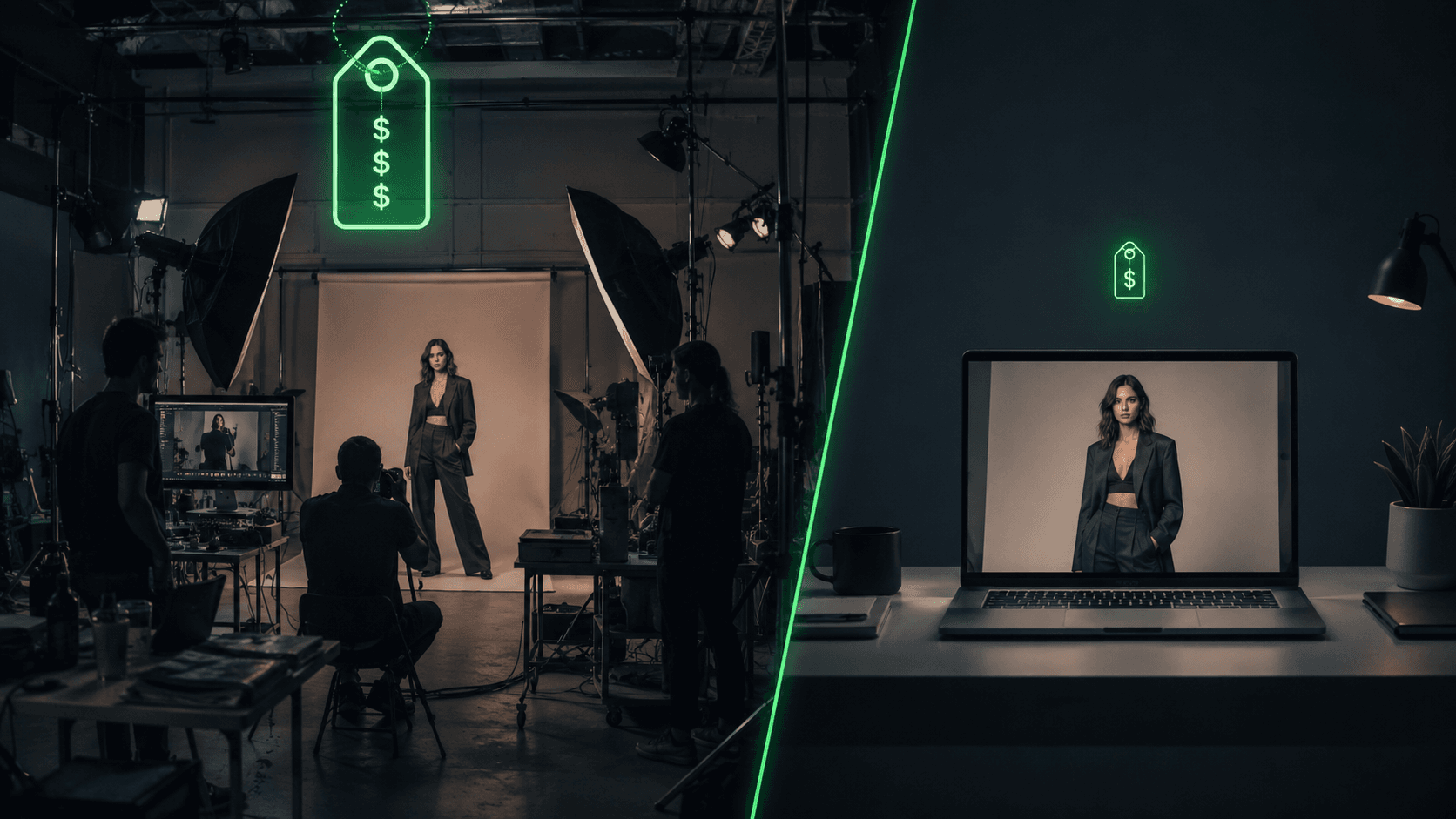
Botika's plans look cheap until you count the credits. Lite is $33 a month for just 30 credits, Pro is $35 a month for 30 credits at higher resolution and the full model library, and Advanced jumps to $230 a month for 200 credits plus 4K output and white-glove QC. Enterprise is custom. One photo is one credit and one video is five, which puts the effective cost around $1.10 per image, the highest in its class. A 200-product catalog at a few shots each runs into four figures here, versus roughly $120 on FASHN or Uwear. There are 8 free credits to start, annual billing saves about 17 percent, and credit rollover applies on annual plans only. Before you commit, note the older $22 Lite figure still floating around aggregators is out of date; verify current pricing on Botika's site.
Where Botika frustrates users
Botika's Shopify rating is a bimodal 2.6 out of 5: lots of five-star fans and a hard cluster of one-star complaints, mostly about billing and support rather than image quality.
"They charged me without giving me the credits I paid for. Please choose another app." (Swanky Bella Boutique, United States, Shopify App Store, 1 star)
The recurring themes: credit-billing errors and charges without delivered credits, slow or unresponsive support with reluctance to refund unusable images, and an NSFW filter that over-blocks legitimate swimwear and lingerie uploads, which makes the platform a non-starter for those categories. Combined with the high per-image cost and the hand and logo rendering issues, these are real reasons to test thoroughly on the 8 free credits before you put a card down.
Who Botika is for, and who should skip it
Botika fits Shopify clothing brands and boutiques that want native catalog sync without exporting files, sellers with modest monthly volume where 30 credits is enough, brands that want short product video, teams that value human quality review on the Advanced plan, and labels selling standard apparel where AI fabric rendering is most reliable. Diverse model representation across body types and ethnicities is a genuine strength for brands that need it.
Skip Botika if you sell swimwear or lingerie, since the content filter will block much of your catalog, if you have a large catalog and need cost-efficient bulk processing, where Uwear or FASHN are far cheaper, if you need a consistent brand model identity across every SKU, if you want a developer API, or if your garments lean heavily on logos, text, and complex prints. For the Shopify apparel brand that values convenience over per-image cost, Botika earns its place; for almost everyone counting unit economics, the alternatives win.
A real workflow: a Shopify boutique's catalog
A boutique with 40 SKUs installs the Botika Shopify app and syncs its product photos through the Connector. The owner picks AI models matching their target customer, chooses studio backgrounds, and generates on-model images that flow straight back into the product listings, no manual export. On the Pro plan they get 2K output and a two-day turnaround; for hero pieces they spend 5 credits each on short video clips for Instagram and TikTok. For a premium drop where quality cannot slip, they move to Advanced so a human reviews each image before it ships.
The underlying goal is the same one across this category: an AI model wearing your clothes, without a photoshoot. For the prompts, model briefs, and background directions that make these generations look art-directed, Vantaige's Prompt Vault is a useful reference, especially for boutiques that want a consistent, on-brand look across a small catalog.
User Reviews
No reviews yet. Be the first to share your experience!
Sign in to write a review.
Related articles
Guides and articles related to Botika.

Best AI Fashion Model Generators for Clothing Brands (2026)

How to Get an AI Model Wearing Your Clothes (Step by Step)
One Product Photo, Full Fashion Campaign: AI Images and Video That Sell (2026)

AI Fashion Prompts That Stay Consistent: The Working Formula (2026)
AI Clothing Photoshoot: What It Really Costs vs a Studio Shoot (2026)
