
AI Clothing Photoshoot: What It Really Costs vs a Studio Shoot (2026)
The real numbers, up front
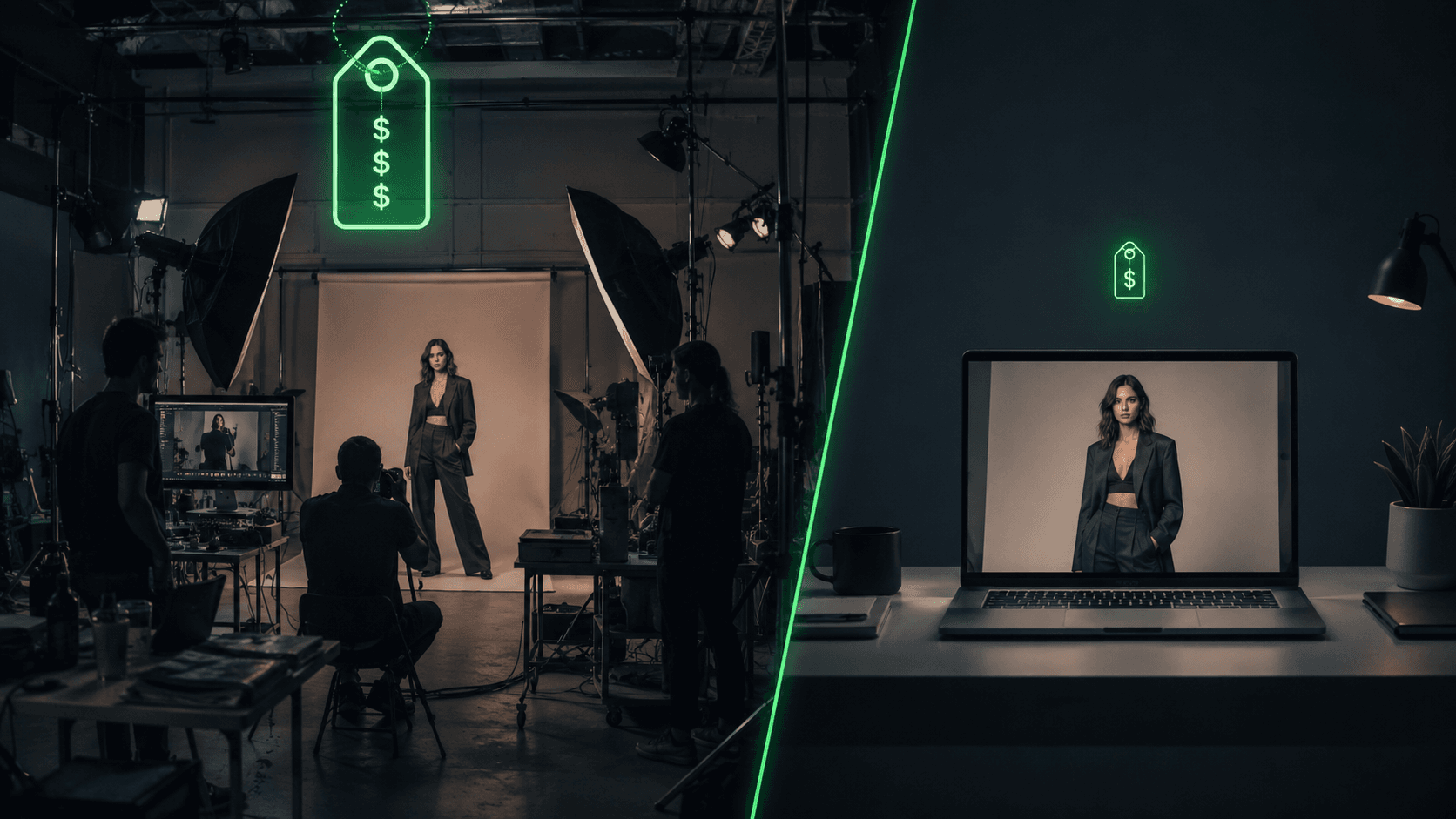
You want to know what an AI clothing photoshoot actually costs against hiring a photographer, without a vendor's demo reel doing the arguing for it. Here is the math, sourced and unrounded.
A traditional one-day ecommerce photoshoot runs $2,500 to $8,000 and produces 40 to 80 final images, which works out to $130 to $830 per outfit before retouching. Retouching adds $20 to $80 per image on top of that. And the quote you get is rarely the number you pay: talent, studio rental, styling, post-production, and logistics typically push the real total to 2 to 4 times the base quote. A photographer who quotes you $40 per image often lands closer to $84 per image once everything is counted.
An AI clothing photoshoot, by contrast, costs $0.10 to $0.60 per image once you are set up, on top of a monthly tool subscription that starts around $19 to $22 and tops out around $59 for higher-volume plans. A brand doing 50 SKUs can produce the same image volume for roughly $300 to $600 a year, instead of $27,000 to $42,000 a year for a traditional shoot at that scale. At 100 SKUs, traditional on-model photography runs $4,000 to $15,000 and takes 4 to 6 weeks; the AI equivalent runs under $200 and finishes in under a day.
Cost driver | Traditional studio shoot | AI clothing photoshoot |
|---|---|---|
Base rate | $130-$830 per outfit (photographer day rate $1,000-$5,000) | $0.10-$0.60 per image |
Retouching | $20-$80 per image, billed separately | Included or negligible |
Hidden multiplier | 2-4x the base quote once talent, styling, and logistics are added | None: the per-image rate is close to the all-in cost |
Recurring cost | Rebooked per season or per drop | $19-$59/month subscription |
Turnaround | 4-6 weeks, 10-21 day typical delivery window | Under a day, often under an hour |
Reshoots | New booking, new day rate | Regenerate the prompt or reference image |
The labor difference is the part vendor blogs undersell: one comparison found the same batch of product images took 13 hours of human labor the traditional way versus 1.2 hours managing an AI pipeline, a 91% reduction. That is the number that should change how you budget for next season, not just this one.
Three ways to run an AI clothing photoshoot
"AI photoshoot" isn't one product. You have three real paths, and they have different cost curves, different skill requirements, and different failure modes. Some links below are affiliate links; see our affiliate disclosure for how that works.
Path 1: dedicated try-on and on-model tools
This is the fastest path if you want a working system today rather than a prompting hobby. Uwear and WearView are built specifically for putting your garments on consistent AI models, with pricing and workflows aimed at exactly the brand you probably are: a Shopify or apparel seller who needs product photos, not an art project. Both handle the garment-fit and pose mechanics for you, which is the part that eats the most prompting time if you try to do it manually.
Below that tier sit tools built for narrower jobs or tighter budgets: FASHN and Claid both start around $19/month and focus on garment-fit accuracy for catalog work, Botika starts from $22/month, and VModel is worth a look if you need broader model diversity across a catalog. None of these require you to write a single prompt. You upload the garment, pick a model, and export.
Path 2: DIY prompting with a general image model
If you already have (or want) access to Midjourney, gpt-image, Nano Banana, Flux, or Stable Diffusion, you can build fashion images yourself at close to zero marginal cost beyond whatever credits or subscription you're already paying for those tools. The catch is that generic prompting produces generic results: "a model wearing a dress" reliably fails on fabric drape, hand poses, and garment fit, which is exactly what a comparison shot needs to get right.
This path is cheaper in dollars and more expensive in time. If you're going this route, our companion piece on writing AI fashion prompts that stay consistent across a shoot covers the actual prompt structure and consistency techniques that separate a usable catalog image from a one-off. We also sell a $27 pack of tested, commerce-ready prompts built for exactly this use case, at vantaige.gumroad.com/l/ai-fashion-pack, if you'd rather start from prompts that already work than iterate from scratch.
Path 3: hybrid
Most brands that scale past a small catalog end up here without planning to. Use a dedicated tool like Uwear or WearView for your core catalog shots, where consistency and speed matter most, and use DIY prompting for hero images, seasonal campaign shots and video, or social-first content where a specific look or mood is worth the extra prompting time. The dedicated tool handles volume; the prompt pack handles the images that need to feel distinct from every other listing on the same platform.
What it actually costs at your catalog size
The numbers change with catalog size in a way that flips the decision. Traditional photography scales roughly linearly with SKU count because every SKU needs its own booked time; AI tooling scales mostly by image volume against a fixed monthly subscription, so cost per SKU drops as your catalog grows. Using the sourced rate of $27,000-$42,000/year for a 50-SKU catalog (about 500 images) as the base, and scaling proportionally, here is what the same math looks like at 10 and 200 SKUs. Treat the 10- and 200-SKU traditional figures as order-of-magnitude extrapolations, not quotes; the 50-SKU and per-image figures are the ones directly sourced.
Catalog size | Traditional studio (fully loaded, annual) | Dedicated AI tool (subscription + credits) | DIY prompt pack (one-time + your own credits) |
|---|---|---|---|
10 SKUs (~100 images) | $5,400-$8,400 | $30-$120 for a single batch on a monthly plan | $27 one-time, plus whatever image-gen credits you already have |
50 SKUs (~500 images) | $27,000-$42,000 | $300-$600/year | $27 one-time, plus credits and more prompting time |
200 SKUs (~2,000 images) | $108,000-$168,000 | Roughly $430-$1,900/year (subscription plus $0.10-$0.60/image at volume) | $27 one-time, but the time cost of manual prompting starts to outweigh the savings |
The pattern holds at every scale tested in the underlying research: 100 SKUs traditionally runs $4,000-$15,000 over 4-6 weeks; the AI equivalent runs under $200 in under a day. The gap doesn't close as you scale up. It widens, because a studio shoot's fixed costs (booking a day, paying talent, shipping garments to a location) don't shrink per SKU the way a software subscription does.
The objections nobody answers honestly
Hand and anatomy artifacts
This is the single most-cited failure mode, and the one shoppers spot fastest. It isn't fully fixable by prompting alone, but it is manageable: specify simple hand poses like "hands relaxed at sides" instead of complex gestures, and crop tight to the garment when a hand only partially enters frame. Dedicated tools like Uwear and WearView have generally been trained specifically to reduce this failure mode compared to a general-purpose image model.
Lighting and physics inconsistency
Shadows falling in two directions, or highlights landing on the wrong part of the fabric, are the tell that gives an AI image away. Naming a specific lighting setup, a three-point softbox rig or golden-hour backlighting rather than leaving lighting unspecified, is the single biggest lever for fixing this.
Fabric and texture fidelity
This is the top evaluation criterion every competitor listicle in this space uses to rank tools, and for good reason: cardboard-stiff fabric on a flowing dress, or a garment print that smears, kills trust instantly. Naming the fiber, weave, and drape behavior explicitly (rather than just "a dress") is what separates a usable image from a reject.
Brand consistency across a catalog
Shoppers browsing a catalog notice if the "same" model looks like six different people across your product pages. Reusable model identity, holding one persona consistent across every SKU, is a differentiator dedicated tools are built around, and it's the harder problem to solve manually with a general image model.
Returns and misrepresentation risk
There's no direct litigation data tying AI catalog imagery to increased returns. The real, documented legal exposure sits in an adjacent area: customer-facing virtual try-on features that collect a shopper's own face or body scan have drawn BIPA (Illinois Biometric Privacy Act) class actions, with Estée Lauder and M.A.C. Cosmetics both named, carrying penalties of $1,000-$5,000 per violation plus attorneys' fees. That risk applies to try-on-on-your-own-selfie features, not to standard on-model catalog photography where the model is a licensed or generated persona, not the shopper. Worth knowing before you consider adding a customer-facing try-on widget, and worth separating clearly from the photography question this article is about. Separately, 42% of checkout abandonment has been linked to distrust broadly, which is the argument competitors use for why artifacts matter: a bad AI image compounds a trust problem your store may already have.
Print-on-demand specific pain
If you sell POD, the added wrinkle is that AI mockups don't always match your actual print colors, and stacking multiple point tools to cover photography, mockups, and editing can quietly run past $200/month. Pick a tool that handles garment and print fidelity in one pass rather than assembling a stack.
Which path should you pick
Under 20 SKUs, testing the waters: start with the $27 prompt pack and your existing image-gen access. The cost of being wrong is a few dollars in credits, not a monthly subscription.
20 to 100 SKUs, running a real catalog: a dedicated tool like Uwear or WearView pays for itself against a traditional shoot within the first batch, and the consistency and speed matter more than the marginal dollar difference against DIY prompting.
100+ SKUs or multiple drops a year: hybrid. Dedicated tool for volume and consistency, prompt-driven images for the campaign or hero shots that need to look distinct.
Selling on Shopify with a lean budget: FASHN or Claid both start near $19/month with a focus on catalog-grade fit accuracy.
Want the broader landscape before picking a tool: our comparison of AI fashion model generators and guide to getting an AI model wearing your clothes both go deeper on individual tools than this cost breakdown does.
FAQ
How much does an AI clothing photoshoot actually cost?
Per image, $0.10 to $0.60 once you're set up, on top of a monthly tool subscription running $19 to $59. A 50-SKU catalog typically runs $300-$600 a year all in, against $27,000-$42,000 a year for the traditional equivalent.
Is AI clothing photography actually cheaper than hiring a photographer?
Yes, by a wide margin at every catalog size tested. A traditional shoot's cost is dominated by day rates and hidden multipliers (talent, styling, logistics push the real cost to 2-4x the quote) that don't shrink per image; AI cost scales mostly with a fixed subscription plus pennies per image.
What's the cheapest way to try AI fashion photography before committing to a tool?
A one-time prompt pack paired with whatever image-gen access you already have. It costs a fraction of a monthly tool subscription and lets you test whether AI photography works for your specific garments before paying recurring fees.
Do I need a dedicated AI fashion tool, or can I use Midjourney or ChatGPT directly?
Either works. Dedicated tools like Uwear and WearView handle garment fit, pose, and model consistency automatically, which saves time at volume. A general model like Midjourney or gpt-image is cheaper per image but needs a tested prompt structure to avoid generic-looking results.
Can AI-generated fashion photos hurt my return rate?
There's no direct data linking standard AI catalog photography to higher returns. The documented legal risk is specific to customer-facing try-on features that collect a shopper's own body or face scan, not to generated on-model product photography.
How many images do I actually need per SKU?
The research behind this article used roughly 10 images per SKU as a working average (500 images across a 50-SKU catalog), which is a reasonable planning number for a full on-model, flat-lay, and detail-shot set per product.
Is it legal to sell products using AI-generated model photos?
Standard catalog photography using AI-generated or licensed personas carries no documented legal exposure. The legal risk that has produced actual lawsuits (BIPA class actions) is specific to features that scan a customer's own body or face for try-on, not to product photography itself.
References
Get the best new AI tools and guides, weekly
One short email a week. The tools worth trying, the guides worth reading, nothing else.
No spam. Unsubscribe anytime.
Aymen B
Contributing writer at Vantaige, covering the AI tools ecosystem.


