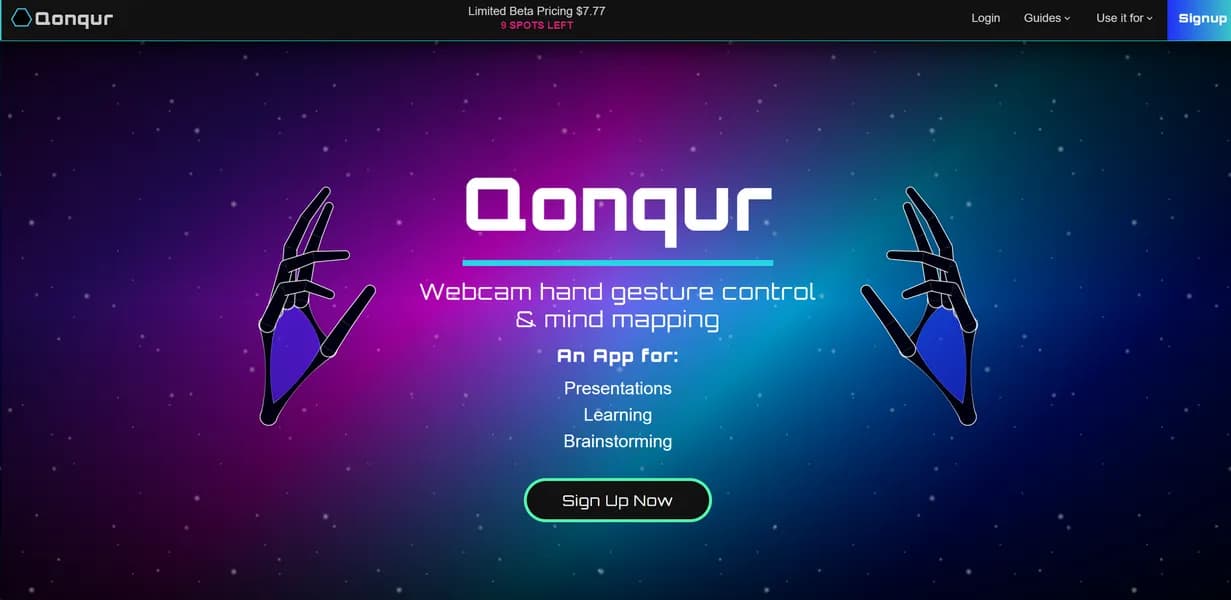

Qonqur is an AI digital canvas built for STEM students and researchers. It generates interconnected knowledge maps and 3D molecular structures using specialized math models. While the $7.77 monthly Pro plan offers excellent value, the gesture recognition feature struggles in low-light environments.
What is Qonqur?
Users expect another generic digital whiteboard. They get a specialized spatial environment built for complex equations and 3D molecular rendering.
Developer Qonqur AI built this tool to solve a specific problem. General whiteboards fail at rendering advanced math and physics concepts. Qonqur targets STEM students and researchers who need accurate technical diagrams and interconnected knowledge maps. The platform uses specialized AI models optimized for scientific accuracy.
- Primary Use Case: Generating interactive 3D molecular structures and interconnected knowledge maps for scientific research.
- Ideal For: University STEM students and academic researchers.
- Pricing: Starts at $7.77 (Freemium) – A low entry price makes advanced research tools accessible to students.
Key Features and How Qonqur Works
Spatial Organization and Mapping
- AI Knowledge Mapping: Links related STEM concepts based on semantic similarity. Large maps cause high RAM usage.
- Infinite Spatial Canvas: Provides a non-linear workspace for brainstorming. Browser memory limits the maximum practical board size.
- PDF Annotation: Imports research papers into the spatial environment. Large PDF files load slowly.
Technical Content Generation
- STEM Content Engine: Uses specialized AI models for math and physics. It struggles with non-scientific text generation.
- LaTeX Support: Renders complex mathematical equations and technical symbols. Users must know exact LaTeX syntax.
- Handwriting OCR: Converts handwritten mathematical formulas into digital text. Messy handwriting produces frequent transcription errors.
Interaction and Visualization
- Gesture Recognition: Controls canvas navigation via webcam hand movements. It requires excellent ambient lighting to function.
- 3D Visualization: Renders and rotates complex models on the canvas. This feature demands high CPU performance.
- Real-time Collaboration: Allows multi-user editing for team research sessions. Synchronous editing lags with more than ten active users.
Qonqur Pros and Cons
Pros
- Gesture control provides a tactile experience for presenting complex technical data.
- The specialized STEM focus ensures higher accuracy for technical diagrams compared to general whiteboards.
- Interconnected maps help researchers identify hidden links between disparate academic papers.
- The low entry price of $7.77 makes advanced AI research tools accessible to individual students.
Cons
- Rendering large knowledge maps or complex 3D models causes high CPU and RAM usage.
- Gesture recognition accuracy depends heavily on webcam quality and ambient lighting conditions.
- The free tier file upload restrictions limit utility for long-term research projects.
- The mobile browser experience lacks fluidity compared to the desktop web version.
Who Should Use Qonqur?
- STEM Researchers: Benefit from 3D molecular rendering and native LaTeX support for complex equations.
- University Students: Can afford the $7.77 monthly price for advanced study tools and spatial organization.
- Marketing Teams: Should avoid this tool. The specialized STEM features add unnecessary complexity for general brainstorming.
Qonqur Pricing and Plans
Qonqur uses a freemium pricing model. The free tier is a permanent plan, not a disguised trial.
The Free plan costs $0 per month. It includes basic digital canvas access and standard gesture recognition. Users face strict file upload limits.
The Pro plan costs $7.77 per month. It unlocks advanced AI STEM content generation and interconnected knowledge maps. Users also get enhanced gesture control.
The Enterprise plan requires custom pricing. It provides dedicated support, audit logs, and advanced research assistance for large organizations.
How Qonqur Compares to Alternatives
Similar to Miro but specialized. Miro targets general corporate brainstorming and agile workflows. Qonqur focuses on STEM research with native LaTeX and 3D molecular rendering. Miro runs better on older hardware.
Unlike Heptabase, this tool includes gesture-based controls and specific AI models for physics and chemistry. Heptabase excels at general personal knowledge management. Qonqur requires more hardware resources to run its spatial environment (I experienced significant fan noise on my laptop).
The Best Digital Canvas for STEM Researchers
Qonqur delivers excellent value for technical academics who need accurate mathematical rendering and spatial organization. It is the ideal choice for university students and solo researchers working with complex scientific data. Users needing a lightweight whiteboard for general brainstorming should choose Miro instead.
User Reviews
No reviews yet. Be the first to share your experience!
Sign in to write a review.
Related articles
Guides and articles related to Qonqur.

Perplexity AI Tutorial: Maximize Your Research Workflows

The Personal AI Productivity Stack (2026): One Tool Per Job, Nothing Extra

AI User Testing in 2026: The Tools That Test Your Product While You Sleep

Google Vision AI Explained (2026): Pricing Per 1,000 Units, Free Tier, and Alternatives
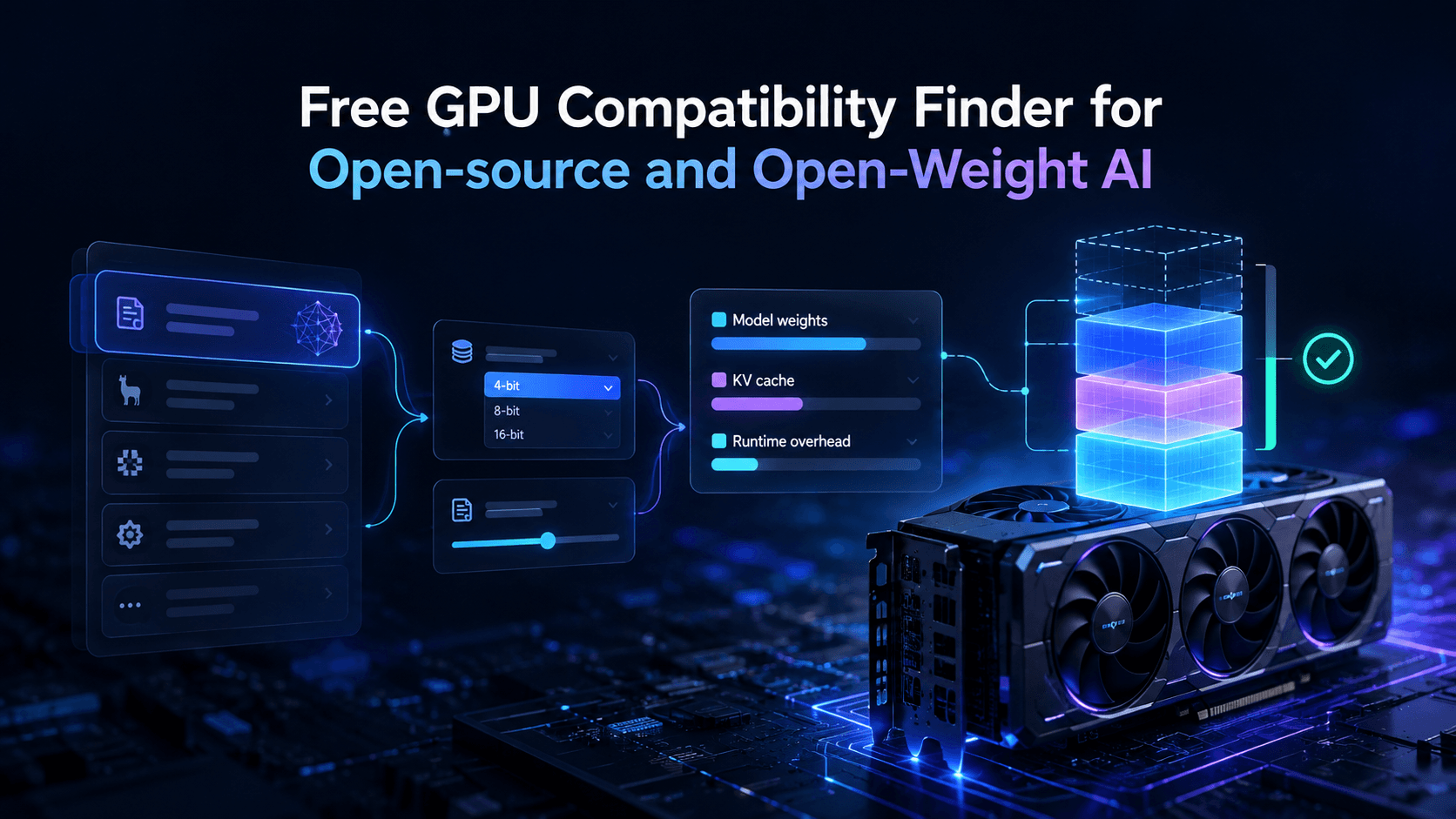
Vantaige Launches the LLM VRAM Calculator: A Free GPU Compatibility Finder for Open-source and Open-Weight AI