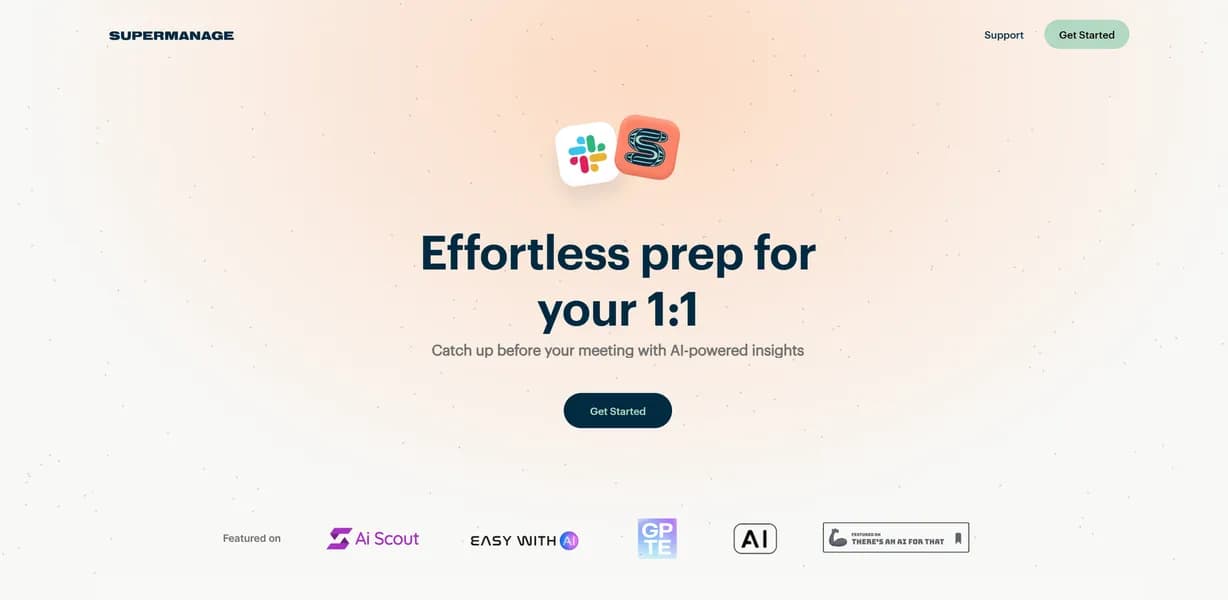

Supermanage AI analyzes public Slack conversations to generate real-time 1-on-1 meeting briefs for managers. It extracts action items and tracks sentiment over a 30-day window without requiring manual status updates. The platform currently lacks Microsoft Teams support and cannot read private direct messages.
What is Supermanage AI?
Instead of asking employees to fill out weekly status updates, this platform reads public Slack channels to build 30-day activity briefs automatically.
Supermanage AI, developed by Supermanage AI, Inc., falls into the management tools and AI productivity categories. It solves the problem of manual meeting preparation for team leaders. The software targets managers who oversee up to 15 direct reports and struggle to track individual contributions across noisy chat channels.
- Primary Use Case: Generating 1-on-1 meeting briefs from 30-day Slack activity histories.
- Ideal For: Engineering and product managers overseeing highly active Slack workspaces.
- Pricing: Starts at $29.00/mo (freemium) – offering a functional free tier for up to 15 team members before requiring payment.
Key Features and How Supermanage AI Works
Slack Integration and Data Ingestion
The platform connects directly to public Slack channels to ingest conversation data. It consolidates context from across all public channels into a single centralized view. But it only reads public data. Work discussed in private direct messages remains invisible to the system. This limitation protects user privacy while still capturing major project updates.
Magic Briefs and Action Item Extraction
Managers use the Magic Briefs feature to generate detailed 1-on-1 preparation summaries. These briefs cover the exact last 30 days of activity. The system automatically identifies tasks and commitments mentioned in Slack threads. So managers spend less time hunting for missed deadlines. They can walk into meetings with a factual list of completed work.
Sentiment Analysis and Archiving
The software detects morale shifts and tone within team communications using natural language processing. It stores and archives past summaries to track team progress over long periods. Here is where it gets interesting. Managers can use this historical snapshot data to track individual achievements for annual performance reviews. This reduces recency bias significantly.
Privacy Controls and Reporting
The platform allows managers to exclude specific channels or keywords from AI analysis. Plus, it sends weekly or daily digests of team activity directly to the manager’s inbox. The catch: employees might still feel uncomfortable with AI monitoring their public chat logs. Managers must communicate clearly about what the tool tracks.
Supermanage AI Pros and Cons
Pros
- Saves time by eliminating the need to manually scroll through Slack history before meetings.
- Integration requires zero manual data entry or status updates from team members.
- Reduces recency bias by providing a factual summary of contributions over the entire month.
- Functional free tier allows small teams to experience core value without financial commitment.
- High accuracy in distilling key discussion points from noisy communication channels.
Cons
- Employees may feel uncomfortable with AI monitoring their public chat logs.
- Platform lock-in exists because it currently only supports Slack and lacks Microsoft Teams integration.
- The AI may misinterpret sarcasm or highly technical jargon, leading to contextual errors.
- Work discussed in private direct messages is not captured in the briefs.
Who Should Use Supermanage AI?
- Engineering Managers: You can track pull request discussions and technical blockers across multiple public channels.
- Product Managers: You can catch up on missed discussions in high-volume channels without reading hundreds of messages.
- New Team Leaders: You can onboard quickly by reading past AI briefs to understand team dynamics.
- Remote First Companies: You can monitor sentiment trends across distributed teams relying heavily on asynchronous chat.
- Small Startup Founders: You can use the free tier to manage up to 15 early employees without adding overhead.
- Enterprise Microsoft Teams Users (Not a fit): You cannot use this tool because it lacks integration with Microsoft Teams.
Supermanage AI Pricing and Plans
The platform uses a freemium pricing model. The Free Starter Package costs $0 per month. It supports exactly one manager and up to 15 team members. Users get unlimited snapshots and full Slack integration. This free tier is genuinely useful for small teams rather than a disguised trial. (The free tier easily supported my entire immediate team without hitting any hidden paywalls).
The Premium Plan starts at $29.00 per month. It adds AI-powered insights, automated reporting, and advanced team management features. Which brings us to the enterprise tier.
Custom Solutions require custom pricing. This tier grants access to unlimited businesses and employees, priority support, and custom integrations. Companies with hundreds of employees will need this custom option.
How Supermanage AI Compares to Alternatives
Similar to Fellow.app, this tool helps managers prepare for 1-on-1 meetings. But Fellow.app relies heavily on manual agenda building and collaborative note-taking. Supermanage AI extracts the agenda directly from Slack activity. This eliminates the blank page problem before a meeting begins.
Unlike Spinach.io, which focuses on summarizing live voice meetings and daily standups, this platform analyzes asynchronous text communication.
Spinach.io joins your Zoom calls.
Supermanage AI reads your Slack channels.
Range.co requires team members to manually submit daily check-ins and mood updates. On the flip side, Supermanage AI requires zero manual data entry from the team. Still, Range.co integrates with a wider variety of project management tools beyond just Slack. Teams using Asana or Jira might prefer Range.co.
Is Supermanage AI Worth It for Remote Engineering Managers?
Remote engineering managers get the most value from this platform. It eliminates the friction of manual status updates and reduces recency bias during performance reviews. (I noticed the AI occasionally flags technical jargon as negative sentiment during my testing). Teams relying entirely on Microsoft Teams should look elsewhere. Range.co is a better alternative for teams wanting multi-platform check-ins.
If your team lives in public Slack channels and hates writing status updates, Supermanage AI is the pick. If your company uses Microsoft Teams or relies heavily on private direct messages, Range.co is the better call.
User Reviews
No reviews yet. Be the first to share your experience!
Sign in to write a review.
Related articles
Guides and articles related to Supermanage AI.

The Personal AI Productivity Stack (2026): One Tool Per Job, Nothing Extra

Turn Any AI Agent Into a Superagent: The 12-Integration Stack (2026)
AI User Testing in 2026: The Tools That Test Your Product While You Sleep
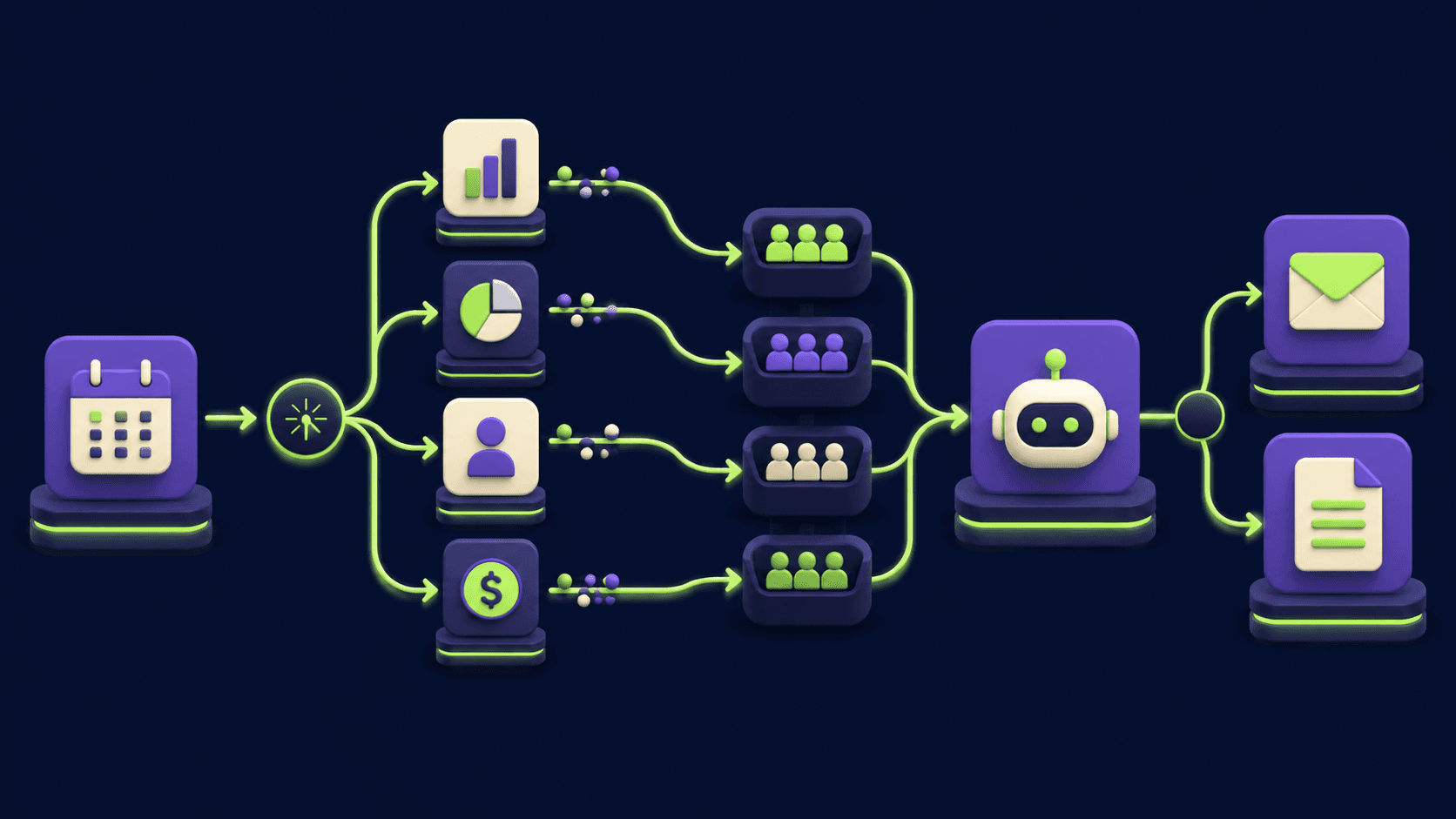
Auto-Build Weekly Client Status Reports From Slack, Asana, GitHub & Stripe (2026)
NotebookLM Sales Call Prep: 5 Sources, 6 Questions, 60 Seconds (2026)