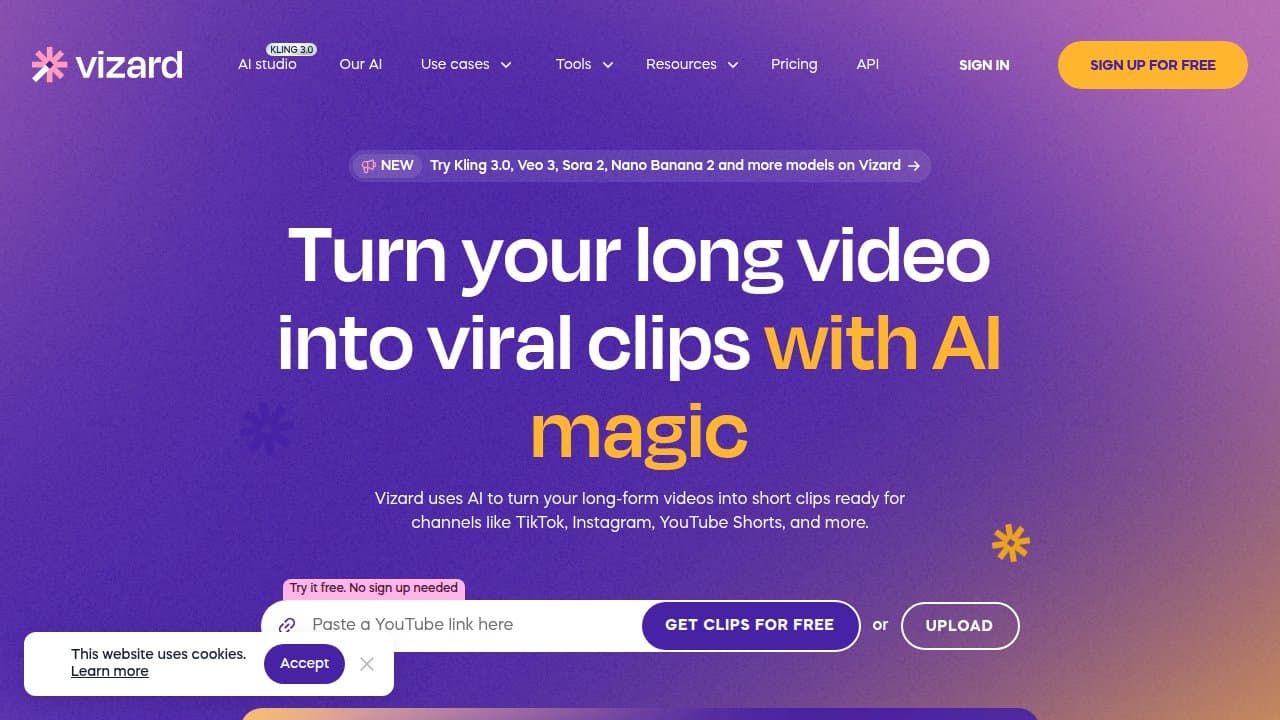
Vizard is an AI video repurposing tool that clips long podcasts, webinars and YouTube recordings into social-ready shorts with auto-captions, speaker tracking and 100+ language translation. Free tier available; paid plans from $20/mo.
Vizard is a cloud-based AI video repurposing platform developed by Vizard Corp, built specifically to convert long-form recordings into short vertical clips optimized for TikTok, Instagram Reels, and YouTube Shorts. Unlike AI video generators, Vizard works exclusively with footage you already have: upload a podcast, paste a YouTube or Zoom link, and the platform's highlight-detection engine identifies and extracts the moments most likely to perform on social. Since its Product Hunt launch in August 2023 it has grown to serve over 10 million creators and businesses, holding a 4.7 rating on G2 and 4.9 on Capterra.
The platform combines several distinct capabilities beyond basic clipping: a transcript-based editor that lets you trim clips by deleting words from a text document, auto-generated captions with emoji and keyword highlighting, B-roll insertion from a licensed stock library, one-click aspect ratio conversion across 16:9, 9:16, 1:1, and 4:5, caption translation across 100+ languages, a brand kit for consistent styling, a team workspace with role permissions, and direct social scheduling to YouTube, TikTok, Instagram, Facebook, Twitter, and LinkedIn. An API is included in paid plans, letting agencies and developers pipe video content through Vizard's clipping engine without touching the web UI. The Spark 1.0 model, launched in beta in October 2024, extends clipping beyond speech-heavy content by reading visual, audio, and emotional cues simultaneously.
What Vizard outputs in May 2026
Vizard's primary output is a set of ranked short-form clips, typically 30-90 seconds each, extracted from a source video that can be up to 10 GB per upload on paid plans. The AI assigns each clip a virality score based on speech energy, topic transitions, and engagement signals, then queues them for review. Clips are presented in a vertical 9:16 layout by default with speaker auto-reframe, animated captions, and optional emoji. Exports go up to 4K on paid tiers (720p on Free).
The text-based editor is the feature that most differentiates Vizard's editing workflow. Because Vizard transcribes every upload first, you can trim a clip purely by selecting and deleting words from the transcript rather than scrubbing a timeline. Delete a sentence, and the video cut follows. For podcast and interview content this significantly cuts refinement time. The caption layer supports per-word timing adjustments, font swaps, color themes, and keyword highlighting that auto-bolds specified terms.
Caption translation is a genuine workflow feature, not a marketing afterthought. A single source clip can be exported simultaneously with Spanish, Portuguese, French, German, Japanese, or dozens of other subtitle tracks without re-uploading. For creators targeting multiple language markets, this removes a separate translation step entirely.
Spark 1.0, Vizard's multimodal video LLM launched on October 1, 2024, adds prompt-based clipping that works on content with little or no dialogue. Type "goal celebration" or "emotional close-up" and Spark scans the video for those visual and emotional signals. Each project allows up to 10 prompts, and re-prompting during the current beta phase does not consume additional credits. As of August 2025 Spark remained in limited beta access, with some users needing to contact support to unlock the feature.
Where Vizard sits versus Opus Clip and Submagic
The long-to-short clipping category has three meaningfully different tools at similar price points. Understanding the mechanical differences helps you pick the right one rather than trying all three.
Vizard vs. Opus Clip: Opus Clip applies a proprietary "Virality Score" algorithm trained on known viral short-form content, prioritizing clip selection quality above everything else. Its auto-reframe on multi-person video is consistently rated stronger: it tracks active speakers across cuts more accurately. Opus Clip starts at $15/mo (Starter) vs. Vizard Creator at $20/mo annually. The mechanical trade-off is scope: Opus Clip lacks a team workspace, does not schedule to Facebook or Twitter, and has no text-based transcript editing. Vizard's Spark 1.0 prompt-based clipping has no direct equivalent in Opus Clip as a native feature. If clip selection quality is your primary metric and you work solo, Opus Clip edges ahead. If you need publishing to all six major platforms, team collaboration, or multilingual export, Vizard wins on breadth.
"User-friendly interface, AI-generated clips were engaging, transcription accurate. Free plan is great to test; paid plans offer more advanced features." - reviewer, aggregated from Reddit/G2 round-up, 2025
Vizard vs. Submagic: Submagic is caption-first where Vizard is clip-first. Submagic's core strength is animated, stylized captions with per-word timing, color cycling, font animations, auto-zoom on speaker faces, and eye-contact correction in post. You bring your clips to Submagic and make them look polished; you bring your long videos to Vizard and get clips extracted. Submagic does offer B-roll generation and auto-cutting, but its philosophy is post-production enhancement rather than highlight extraction from scratch. Vizard handles 2-hour webinars systematically with transcript-level precision; Submagic works better on clips you already know are good but want to stylize for maximum thumb-stop rate. The two tools can and frequently are used in sequence: Vizard to extract the highlights, Submagic to make the captions pop.
"Crazy helpful and seriously speeds up my processes." - Michelle P., Founder, Capterra, February 2026
For creators who want something narrower and cheaper, Vsub and 2Short.ai offer YouTube-focused clipping at lower entry prices ($9.90/mo range) without team features or API access. Captions AI and Visla sit adjacent to Vizard but skew toward mobile-first creation and short video generation rather than repurposing long-form content.
The real cost of generating clips with Vizard
Vizard's credit system is straightforward on paper: 1 credit = 1 minute of uploaded video. A 60-minute podcast episode costs 60 credits to process. The Creator plan includes 600 credits per month, meaning roughly 10 hours of source video per billing cycle.
Where this gets complicated is high-volume use. An agency repurposing four client podcasts per week, each running 45-60 minutes, burns through Creator credits in under two weeks. The Business plan at $39/mo monthly (or ~$23/mo annually) provides the same 600 credits base, adding team features rather than more credits. Additional credits can be purchased but the per-credit cost on add-ons is notably higher than the plan base rate.
Annual billing offers approximately 42% off. Vizard markets this as "5 months free," and the math roughly holds: Creator plan drops from $29/mo to approximately $20/mo annually, and Business from $39/mo to approximately $23/mo annually. Monthly billing is meaningfully more expensive and makes the tool harder to justify on a per-clip basis. If you are testing Vizard seriously, commit to annual from the start or at minimum run the math against your expected monthly upload volume before choosing a tier.
The Free plan offers 60 credits/month (one 60-minute video, or six 10-minute videos), 720p output with watermark, and 3-day storage before clips expire. It is usable for evaluation but not for production work at any scale.
Where Vizard consistently breaks
Several failure patterns recur across platform reviews and user complaints.
B-roll quality inconsistency. Vizard's AI inserts stock footage B-roll automatically during clip generation. For mainstream topics (business, lifestyle, fitness) the suggestions land reasonably. For niche content (fishing, specialized technical tutorials, regional topics) reviewers consistently describe the B-roll as "hit or miss" and often distracting. The underlying issue is stock library depth: the AI pulls from a fixed licensed collection and cannot generate contextually appropriate footage from scratch. The safest workflow is toggling B-roll off for niche content and adding it manually.
Processing load affects speed in two ways: peak-hour queue delays affect export times (one Capterra reviewer in August 2025 reported project pages taking 10-15 minutes to load), and very long source videos (90+ minutes) can take considerably longer than expected to fully process. Neither issue is unique to Vizard in this category, but the platform does not currently surface queue position or estimated wait time, leaving users uncertain whether a delay is normal or a stuck job.
AI clip selection drifts for content that is not interview or podcast format. Vizard's standard one-click mode is calibrated on speech cadence and topic transitions. Demos, tutorials, and educational content where the visual action matters as much as the narration frequently yield clips that start or end a beat off, capturing the aftermath of a key moment rather than the moment itself. Spark 1.0's prompt-based approach is designed to fix exactly this, but it remained in limited beta access through mid-2025.
Language support, while broad in coverage (100+ languages), has uneven quality. Arabic subtitle accuracy "usually needs manual corrections" according to a verified Capterra review from April 2026. European language coverage is substantially stronger than Middle Eastern and Southeast Asian scripts.
Best use cases versus skip-this scenarios
Vizard works well for: Podcasters converting 30-90 minute episodes to clips on a weekly cadence. B2B content teams repurposing webinars for LinkedIn and YouTube Shorts. Multilingual content creators who need the same clip subtitled in 3-5 languages simultaneously. Marketing agencies managing multiple client channels under one workspace. Developers building content automation pipelines who need API-level video clipping without standing up custom infrastructure.
The transcript-based editor is genuinely useful for educational content where specific sentences need to be cut from a clip before it goes live. And the scheduling integration across six platforms means the full production cycle (clip, caption, brand, schedule) can run inside one tool rather than five.
Skip Vizard when: You need to generate video content, not repurpose existing footage. Vizard cannot produce a clip from a prompt, a script, or a product image; it only extracts from videos you already have. If your primary content type is visual rather than verbal (sports, cooking, gaming, product demos), clip quality will disappoint until Spark 1.0 exits beta. Solo creators at tight budgets who need the strongest possible clip selection and nothing else will find Opus Clip gives them more for less. And if your audience speaks primarily Arabic, Hindi, or less commonly supported scripts, verify translation quality on a sample before committing to a paid plan.
User Reviews
No reviews yet. Be the first to share your experience!
Sign in to write a review.
Related articles
Guides and articles related to Vizard.

Google Vision AI Explained (2026): Pricing Per 1,000 Units, Free Tier, and Alternatives

AI Instagram Reels Factory: 30 Reels/Day on Autopilot (2026)

How to Repurpose One Blog Post Into 30 Pieces With AI (The Step-by-Step System)
Sell AI-Generated Short Films on TikTok Shop, Instagram & YouTube (2026)
Build a 70-Language Live Voice Agent With GPT-Realtime-Translate (2026)