
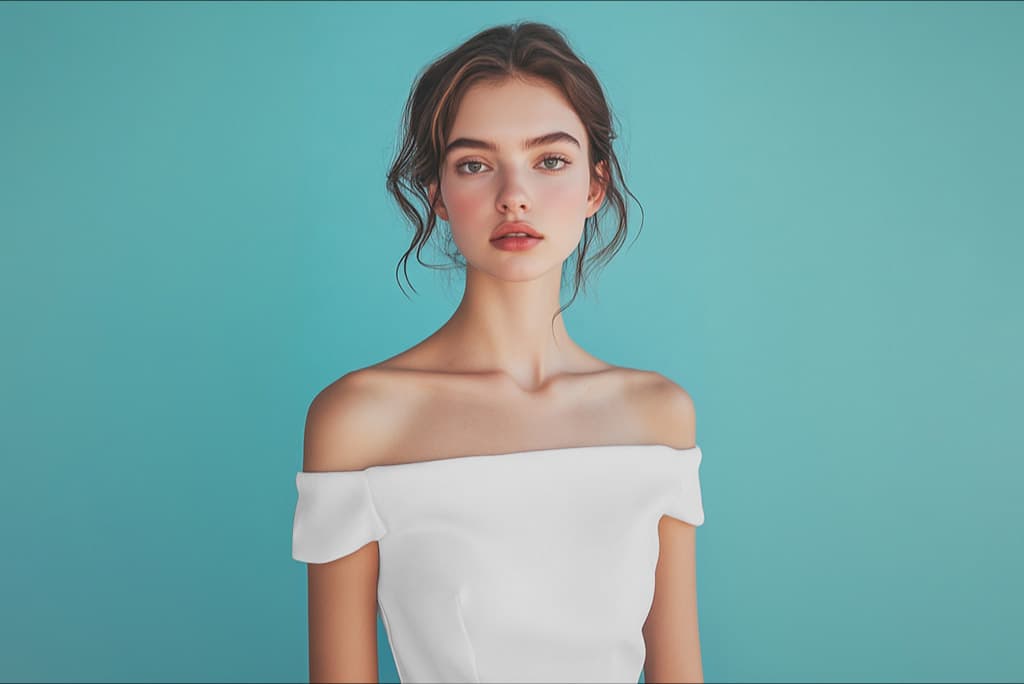

Insmind is an all-in-one, free-to-start AI photo tool for e-commerce sellers: its standout feature swaps a mannequin or flat-lay for a lifelike AI model, alongside background removal, upscaling, and 1,000+ templates. Great for solo sellers on a budget, though a credit-drain bug and weak support hold it back.
Insmind is a browser-based, all-in-one AI photo editor that happens to do one fashion trick very well: it swaps a mannequin or flat-lay for a lifelike AI model while keeping the garment intact. It launched in 2024 out of Singapore as a general visual-creation tool, and it has grown fast, claiming more than 100 million images and videos created. For a solo clothing seller or a small boutique that cannot afford a photoshoot or a designer, the pitch is simple: do product photography, background edits, and basic catalog work in one place, with no skills and, to start, no money.
The reason it earns a spot next to the dedicated fashion tools is that its AI Virtual Model feature, the mannequin-to-model swap, is genuinely usable and free to try. Upload a mannequin or ghost-mannequin shot, Insmind detects the garment and replaces the figure with a human model from a diverse library, and it even offers face-swap for market localization, putting the same garment on a model suited to an Asian, European, or American audience. Around that sit background removal and generation, a 1,000-plus template library, upscaling, a magic eraser, short video, and a newer AI Agent canvas. This review is for budget-conscious sellers, social-media marketers, and Etsy or Amazon shop owners who want speed over perfection.
What Insmind makes in June 2026
The fashion core is the AI Virtual Model generator: mannequin-to-model and flat-lay-to-model conversion that replaces the entire figure while preserving fabric textures, prints, and cuts. Note the mechanic, it replaces the figure rather than dressing an existing person, so it is figure replacement, not virtual try-on in the FASHN sense. Beyond that, the AI Background Remover and Generator handle clean cutouts and replacement scenes, and a dedicated clothing-and-apparel workflow adds garment color changing, product collages, smart marketplace resizing, and over 1,000 fashion templates.
The toolbox keeps going: image upscaling, a magic eraser for unwanted objects, outpainting, headshot generation, and style filters. A batch editor arrived in June 2025, though bulk background removal specifically is still shaky. The most ambitious addition is the AI Agent, launched November 25, 2025, a single canvas that prompts, generates, and refines images and video and plugs into third-party models like GPT-4o, Sora 2, VEO 3, and Kling. For a generalist seller, the breadth is the appeal; for a fashion purist, the dedicated tools go deeper.
Mannequin to model, free: the standout feature
The mannequin-to-model swap is what brings sellers to Insmind, and the free access is the hook. You upload a mannequin or flat-lay, pick a model across ages, genders, ethnicities, and body sizes, and get an on-model shot in seconds. The market-localization face-swap is the clever part: one base garment photo can be shown on models suited to different regional audiences, which is real leverage for sellers shipping internationally. Plenty of users are happy with the everyday editing:
"The AI Background Changer saved me a ton of time. It legit looks like I hired a professional photographer." (sarah2025, Product Hunt, 2025)
On simple knits and solid-color garments the model swap holds up well and preserves logos and prints as advertised. The weak spot is faces: generated faces in close crops can drift into uncanny territory, and one reviewer flagged badly rendered teeth. Treat Insmind as strong for full-body catalog thumbnails and weaker for editorial close-ups.
AI product photography and the all-in-one editor
Outside the model swap, Insmind is a competent AI product photography toolkit. The background remover and scene generator turn a phone snapshot into a clean, marketplace-ready listing image, the 1,000-plus templates speed up consistent branding, and the upscaler lifts low-quality source photos to a usable resolution. Sellers who shoot on a mannequin or even on a hanger can get something close to a ghost-mannequin look without a studio. For a one-person operation juggling Etsy, Amazon, and Shopify, having background work, resizing, and on-model generation in one browser tab is the practical advantage over stitching together three specialist apps.
Insmind vs FASHN.ai vs Uwear
The mechanical difference matters here. Insmind replaces the mannequin figure entirely and regenerates a model around your garment. FASHN.ai does the opposite: it re-dresses an existing human photo with your garment for the most realistic drape, and it offers a developer API that Insmind lacks. Uwear uses a dedicated Drape engine for fabric physics and scales to 10,000-item CSV batches with a shopper-facing try-on widget, neither of which Insmind matches.
So Insmind is the budget generalist, not the specialist. If you need a single AI photo editor and only occasional on-model shots, Insmind covers it cheaply. If on-model imagery is your core need at any volume, FASHN or Uwear are more capable, Claid.ai is the stronger all-in-one pipeline with a real API, and WearView bundles ghost mannequin and video for mid-market catalogs. Insmind wins on price and convenience, not depth.
Insmind pricing: what "free" really means
Insmind leans hard on "free," and it is worth understanding what that means. The free tier and 3-day, 10-credit trial let you test the tools, but every export carries an Insmind watermark and high-resolution downloads need a paid plan. Paid pricing is modest: roughly $6.99 a month at entry and about $9.99 a month for the standard plan with 100 credits, unlimited background removal, no watermark, and HD downloads, with an annual plan around $69.99 a year (close to $5.83 a month). The catch is the refund policy: refunds are prorated and docked a 20 percent service fee, and may net to zero, so treat a subscription as committed once you activate it. There is no public developer API.
Where Insmind breaks
Two issues keep Insmind out of the top tier. The first is a credit-drain bug that users report repeatedly:
"A 'system is busy' message appears after 2-3 minutes, and the service drains paid credits without delivering the image." (paraphrased from multiple Trustpilot reviewers, 2025)
The second is support: chat is effectively unmonitored, refund requests for lost credits often go unanswered, and there is no phone line. Add inconsistent face rendering, a batch editor that struggles with bulk background removal, no API, and a Terms of Use that does not clearly grant commercial ownership of outputs, and the picture is a capable tool with operational rough edges. For low-stakes, low-volume work it is fine; for anything mission-critical, build in a margin for failed generations and verify commercial rights for your use.
Who Insmind is for, and who should skip it
Insmind fits solo clothing sellers and small boutiques under about 100 SKUs a month who shoot on mannequins and want human-model shots without a budget, social-media marketers who need fast and varied creative, and Amazon, Etsy, or Shopify sellers who want clean backgrounds and diverse model representation in one cheap tool. The market-localization face-swap is a genuine edge for sellers, including saree and ethnic-wear brands, targeting multiple regions from one photo.
Skip it if you need high-volume batch with consistent output, where Uwear or FASHN are built for scale, if you need a developer API, if your workflow is true virtual try-on on an existing model photo, if you sell garments where flawless faces or complex drape are essential, or if you need dependable support and a fair refund policy. Insmind is a strong budget on-ramp, not a catalog workhorse.
A real workflow: a solo seller's first on-model shots
A one-person clothing shop with 30 SKUs photographs each piece on a mannequin at home. In Insmind, they run the AI Virtual Model tool to swap the mannequin for a model matching their target customer, use the background generator for a consistent studio look, upscale the phone photos, and resize for each marketplace, all in one session and largely on the free or entry tier to start. A saree seller does the same, then uses the face-swap to present the garment on models suited to both domestic and diaspora audiences from a single shoot.
The underlying goal is the category's most reliable one: an AI model wearing your clothes, without a studio bill. For the prompt and styling recipes that lift these from passable to polished, Vantaige's Prompt Vault collects fashion and AI-model prompts you can adapt, including looks for sellers localizing to different markets.
User Reviews
No reviews yet. Be the first to share your experience!
Sign in to write a review.
Related articles
Guides and articles related to Insmind.

Best AI Fashion Model Generators for Clothing Brands (2026)

How to Get an AI Model Wearing Your Clothes (Step by Step)

AI Fashion Prompts That Stay Consistent: The Working Formula (2026)
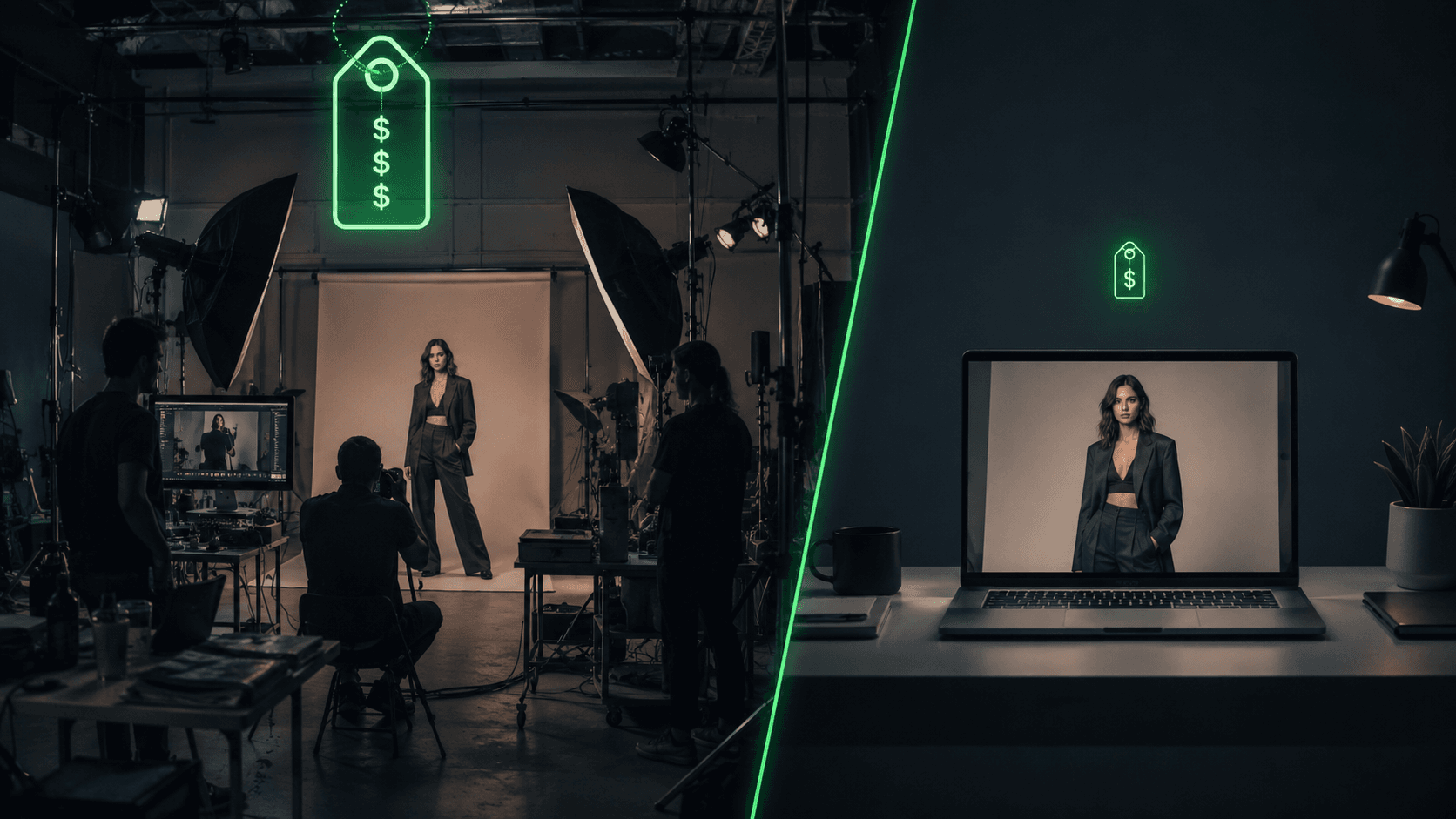
AI Clothing Photoshoot: What It Really Costs vs a Studio Shoot (2026)
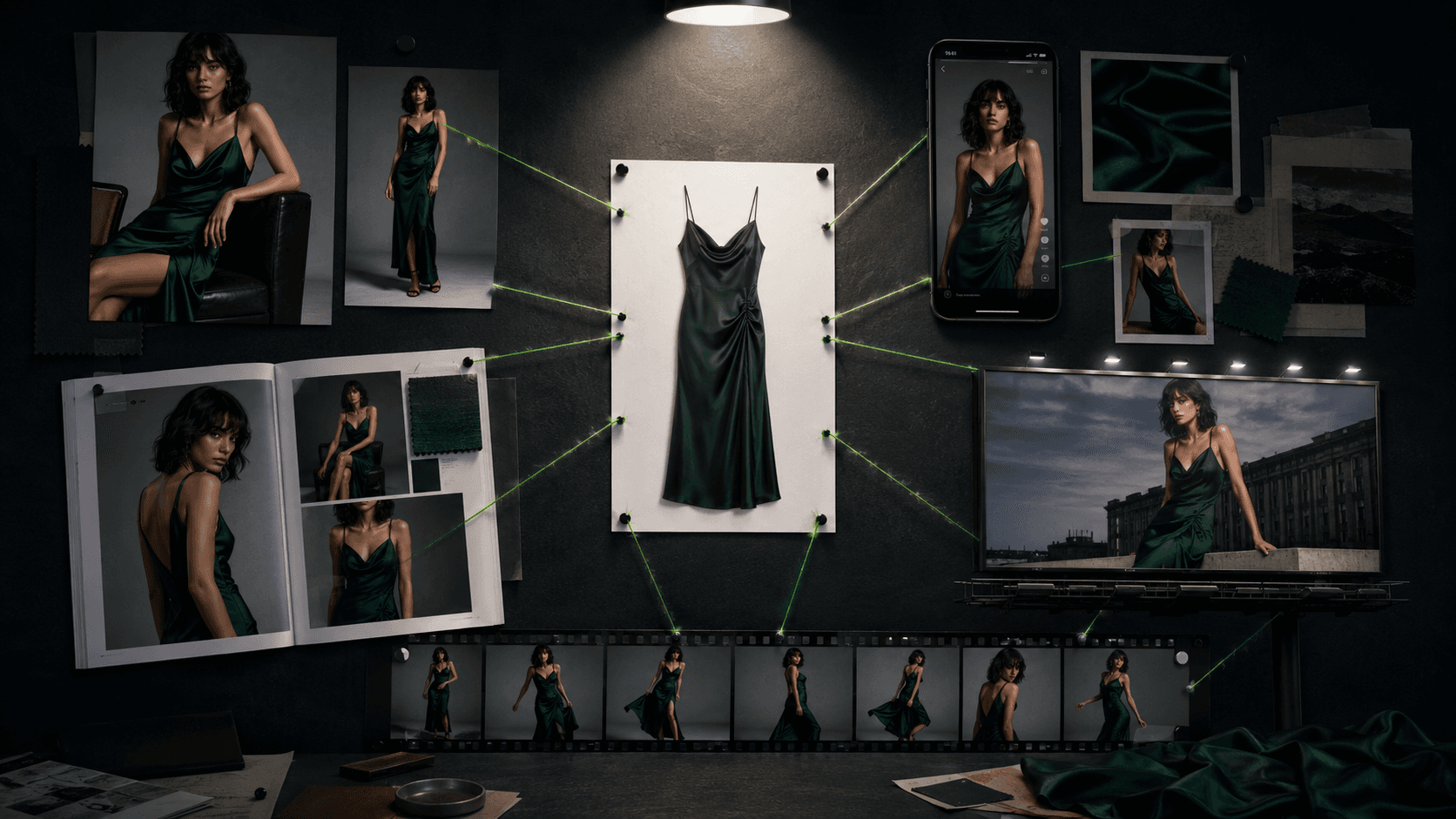
One Product Photo, Full Fashion Campaign: AI Images and Video That Sell (2026)
