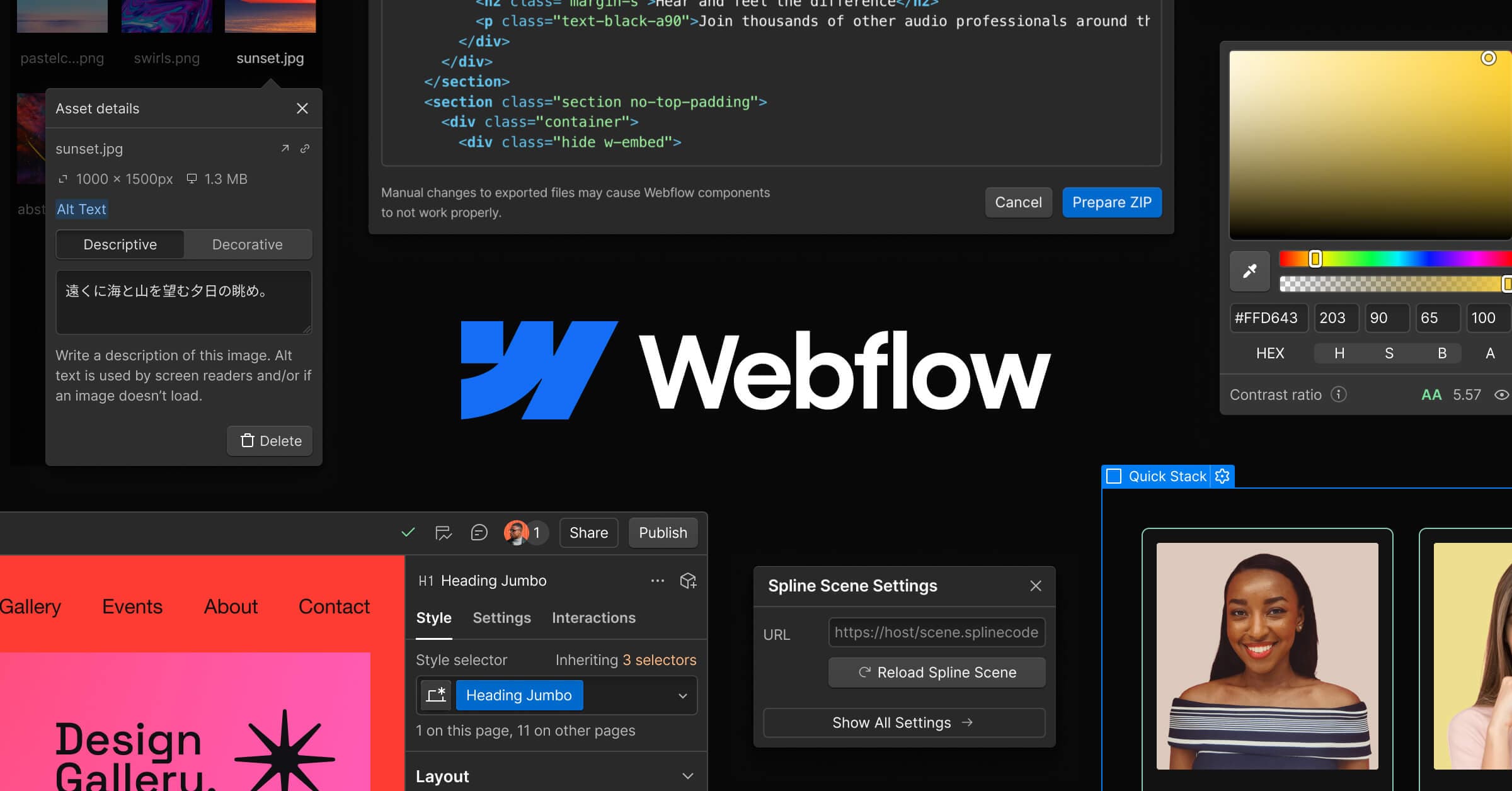

Webflow is the professional no-code site builder that outputs clean HTML and CSS. Trusted by 3.5 million sites, it pairs a visual design canvas with a native CMS, ecommerce, hosting, and an AI Assistant that understands your design system.
Webflow is a browser-based visual design and development platform built by Webflow, Inc. out of San Francisco. Founded in 2013 and publicly launched in 2014, it lets designers and marketing teams build production-ready, responsive websites without writing code, while outputting clean, hand-editable HTML, CSS, and JavaScript underneath. It sits in a distinct category above consumer drag-and-drop builders like Squarespace and below traditional development workflows, making it the go-to platform for design agencies and mid-market marketing teams who need precise control without a full engineering team. The company raised a $120M Series C at a $4 billion valuation in March 2022, led by YC Continuity, and has since grown to over 3.5 million published sites and roughly $213M in annual revenue as of 2025.
The core platform bundles the visual Designer (a canvas that maps directly to CSS box model, flexbox, and grid), a relational CMS supporting up to 20,000 content items per site, CDN-backed hosting now powered by Cloudflare, a native ecommerce engine, and Webflow Apps for third-party integrations. On top of that, Webflow has been rolling out a significant AI layer since 2024: the revamped AI Assistant (launched at Webflow Conf on September 17, 2025) understands your site's design system, style guide, and CMS structure and can generate matching page sections, draft copy and metadata, audit SEO gaps, and help orchestrate multi-step edits conversationally. AI Code Generation, entering early access in early 2026, can produce React-based web apps and reusable components from natural-language prompts, deployable to Webflow Cloud in one click.
What Webflow creates in April 2026
Webflow's primary output is responsive, standards-compliant websites with clean exported HTML, CSS, and JavaScript. The Designer works like a visual front-end IDE: you manipulate CSS properties (margin, padding, flexbox direction, grid columns, transforms, transitions) through a panel UI instead of a code editor. Every change is reflected live in a preview that respects actual browser rendering, not a simplified abstraction.
The CMS layer lets you define custom Collections (like Blog Posts, Team Members, or Products) with typed fields: plain text, rich text, images, numbers, dates, references, and multi-references. CMS pages are templated: one design drives thousands of dynamically generated URLs, making Webflow a legitimate option for content-heavy marketing sites and programmatic SEO. Business plan sites support 40 Collections and 20,000 items. The hosted CMS Editor gives non-technical clients a clean interface for updating content without touching the Designer.
Webflow Ecommerce handles product catalogs, checkout, and order management natively, though with transaction fees on lower plans (2% on the $29/mo Standard tier, removed at $74/mo Plus). Webflow Optimize adds AI-assisted A/B testing: the AI Assistant can build personalized experiments and suggest headline variants and CTAs based on conversion rate data, without engineering support. AI SEO, launched October 2025, runs site-wide audits flagging missing alt text, meta descriptions, and schema gaps.
"The customization is unmatched. I'm not locked into templates.". Ashley G., Owner, Marketing and Advertising agency, Capterra, October 2025
The most significant technical addition in 2025-2026 is the Webflow MCP (Model Context Protocol) server, which exposes both the Designer API and Data API to external AI tools. This means you can point Cursor or Claude directly at your Webflow site and issue design or content commands through those AI environments. Webflow was the first mainstream no-code builder to ship an MCP integration, giving power users a genuinely agentic workflow layer on top of the visual canvas.
Where Webflow sits versus Framer and Wix Studio
Webflow, Framer, and Wix Studio occupy adjacent positions in the professional site builder market but differ substantially in technical architecture, target audience, and CMS depth.
Webflow versus Framer: Webflow compiles to static HTML, CSS, and JavaScript served via a global CDN, resulting in fast initial loads with minimal JavaScript overhead. Framer is built on React with server-side rendering and client-side hydration, meaning every Framer site ships as a React app. This gives Framer an edge in micro-interactions, spring physics animations, and Figma-like constraint-based auto-layout, where changes to the desktop layout propagate intelligently to mobile. Webflow's output is more performant for content-heavy sites; Framer's is better for visually intensive product landing pages or portfolio sites where animation density is high.
On CMS: Framer has minimal native CMS capabilities and relies on third-party integrations for anything beyond basic dynamic content. Webflow's CMS is relational and native, with programmatic SEO patterns, complex multi-reference fields, and direct integrations via platforms like Whalesync to Airtable, Notion, or Google Sheets. For an agency managing a 500-page content site, Webflow's CMS depth is not comparable to what Framer offers. On custom code: Webflow Code Components lets developers build React components via CLI that designers can use visually with props on the canvas; Framer's React base is more of a black box, limiting deep customization.
Webflow versus Wix Studio: Wix Studio uses a proprietary free-placement rendering engine that is significantly easier to learn, with a gentle curve for beginners. Webflow's CSS-model approach requires understanding of layout concepts (flexbox, grid, position), which translates to a steeper entry but cleaner, more predictable output. Critically: Webflow exports clean HTML/CSS/JS; Wix does not export code at all, meaning you are locked into Wix's hosting and rendering environment permanently. Webflow's output can be taken to any hosting provider. At AI: both platforms have AI site builders, but Webflow's AI Assistant integrates with your existing design system and CMS at a structural level, matching new content to existing styles rather than generating a generic template from scratch.
Users often complement Webflow with adjacent tools: Typeface for brand-consistent AI copywriting that feeds into the CMS, or 10Web if they need a WordPress-based alternative with AI page building. For smaller sites, Site123 and Mobirise AI Website Builder are frequently cited as lower-complexity entry points before teams graduate to Webflow. Teams building visual brand assets alongside sites sometimes compare Webflow's visual toolkit to Wix Logo Maker for quick brand identity work, though the use cases are distinct.
The credit and pricing reality
Webflow's pricing has three parallel tracks: Site Plans, Workspace Plans, and Ecommerce Plans. This separation is a consistent source of confusion in community forums.
Site Plans cover what the published website can do: number of pages, CMS items, bandwidth, and custom domain. Basic starts at $14/mo (annual) with a custom domain but no CMS. The CMS plan ($23/mo) unlocks dynamic content. Business ($39/mo) raises CMS item limits to 20,000 and bandwidth to 2.5TB. If you need ecommerce, that's a separate plan on top of your workspace plan, starting at $29/mo with a 2% transaction fee that only disappears at the $74/mo Plus ecommerce tier.
Workspace Plans govern how many editors and staging sites you can have: the free Starter tier allows 2 staging sites; Core ($19/mo) raises that to 10; Growth ($49/mo) adds unlimited staging and advanced publishing permissions. For agencies managing many client sites, these workspace costs add up. Enterprise pricing is fully custom.
AI features are currently included in existing plans without a separate credit system (unlike some competitors that charge per generation). The AI Assistant, AI SEO, and Webflow Optimize AI suggestions are bundled. AI Code Generation, still in early access as of April 2026, has not yet published separate pricing; early access is by application.
"Webflow gives you full creative freedom to build responsive websites without coding. But the pricing is expensive when you're managing multiple projects.". Yashvi P., UX Designer, Capterra, May 2025
Where Webflow consistently disappoints
The steepest recurring complaint is the learning curve. Webflow's power comes from its close mapping to CSS, which is precisely what makes it hard to learn if you haven't internalized how the box model, flexbox, and positioning work. Users migrating from Squarespace or even WordPress frequently report feeling overwhelmed by the Designer interface. The platform is built for people who think in web design terms, not for marketers who need a site by tomorrow.
CMS limitations surface as a friction point for larger organizations. The 60-field cap per Collection and 10 max reference fields per Collection are flagged repeatedly on G2 and Capterra as blockers for complex data structures. The Business plan's 20,000-item limit constrains large-scale content operations, pushing teams to Enterprise pricing sooner than expected. Multi-language support is largely manual: Webflow Localization exists as a paid add-on, but automated translation and proper hreflang management still require significant setup, lagging behind platforms designed for international publishing.
Ecommerce limitations also appear consistently. Webflow's native ecommerce handles straightforward product catalogs but lacks the inventory depth, variant management, and app ecosystem of Shopify. For stores with complex product configurations or high-volume operations, Webflow Ecommerce is frequently described as a stepping stone rather than a destination.
Finally, the AI gap of 2024 left some users skeptical. Webflow marketed AI features heavily throughout 2024 but delivered only basic copy generation and alt text drafting. The full AI Assistant and code generation didn't arrive until Webflow Conf 2025, creating a year-long gap between promises and product reality. As of April 2026, code generation is still in early access, not generally available.
Who Webflow is built for
Webflow's natural audience is professional web designers and design-oriented front-end developers who want the output quality of handwritten code without writing it, paired with a CMS they can hand off to non-technical clients. Design agencies building three to thirty client sites per year are the platform's core user base. Marketing teams at mid-market SaaS and e-commerce companies use it for landing pages, campaign sites, and content blogs that need to iterate fast without filing engineering tickets for layout changes.
The platform also increasingly serves enterprise marketing teams that need governance, collaboration permissions, and guaranteed SLA alongside design control, which is the segment Webflow's Enterprise tier is explicitly targeting with its Series C capital.
Skip Webflow if you have no prior web design experience and need a site launched this week: Squarespace or Wix will get you there faster. Skip it if you're building a complex custom web application: Webflow is not a substitute for a React or Next.js project. Skip it if your ecommerce catalog has thousands of SKUs with complex variant rules: Shopify's ecosystem depth is not matched here. And skip it if your primary constraint is budget: the combination of Site Plan plus Workspace Plan costs add up quickly for small teams managing multiple properties.
User Reviews
No reviews yet. Be the first to share your experience!
Sign in to write a review.
Related articles
Guides and articles related to Webflow.

Wix Logo Maker Review (2026): Real Costs, the Edit Catch, and AI Alternatives

Replit Pricing Explained (2026): Core vs Pro and Effort-Based Agent Billing

Auto-Build Weekly Client Status Reports From Slack, Asana, GitHub & Stripe (2026)

15 AI Agent n8n Workflows You Can Build This Weekend (2026)

Replace 6 SaaS Subscriptions With 4 n8n AI Agents (2026)