


Photoroom is an AI photo editor built specifically for ecommerce sellers. It removes backgrounds, generates studio-quality environments, supports Virtual Model for clothing, and processes product catalogs in bulk via web, mobile, and API.
Photoroom is a Paris-based AI photo editing platform, founded in 2019 by Matthieu Rouif and Eliot Prn and launched publicly in February 2020. It was built for one job: turning ordinary product photos taken on a phone into clean, professional images suitable for online storefronts and marketplaces. Unlike general-purpose design tools that add photo editing as a secondary feature, Photoroom is engineered from the ground up around product photography. It now processes 5 billion images per year and has surpassed 150 million downloads globally, making it one of the most widely used AI photo tools in the world.
The platform covers the full workflow for ecommerce product photography: one-click background removal, AI-generated studio backgrounds, Virtual Model (display apparel on AI-generated models with adjustable fit, pose, and lighting), AI Generative Fill, AI Expand, batch processing for catalogs up to 4,000+ images per session on higher plans, a Shopify integration, and a REST API for automating image production at scale. In November 2025, Photoroom added an AI Video Generator that turns product images into short animated clips on iOS and Android. The app runs on web, iOS, and Android, syncing projects across devices.
What Photoroom creates in April 2026
Photoroom's primary output is polished product photography: white-background stills, lifestyle-context composites, and catalog images formatted for specific marketplaces. The background removal engine is trained on product photography data rather than general images, which gives it measurably better accuracy on product edges, handles transparent objects like glass bottles, and resolves fine detail on jewelry, hair accessories, and textiles more reliably than tools built for general use.
The AI Backgrounds feature, powered by Photoroom's custom foundation model (Photoroom ID, launched February 2024), generates studio lighting environments from text prompts without requiring prompt engineering expertise. The model architecture is Transformer-based and operates in latent space, tuned specifically for product image editing rather than generative art creation. This means outputs look like studio photographs rather than AI-generated illustrations, which is what product listings require.
Virtual Model lets clothing sellers display garments on AI-generated human models, with controls for body fit, lighting conditions, poses, and backgrounds. This removes the cost and logistics of hiring models for catalog photography. The feature became a significant draw for Etsy sellers, Poshmark resellers, and small fashion brands in 2024-2025.
Batch editing on the web platform lets sellers apply the same edit (background removal, background replacement, shadow, retouch) to 50-4,000+ images simultaneously depending on the plan. The "Apply all" workflow, updated in November 2025 to run 20x faster, processes large catalogs in minutes rather than hours. For teams with higher volume, the API allows programmatic access: removing backgrounds, resizing, reformatting, and applying brand templates automatically as new product images are added.
"I use Photoroom to edit my photos and it's great because it has the option to bulk edit photos quickly and gets it done the first time." - Poshmark/eBay seller, cited in fahimai.com review, 2024-2025
Where Photoroom sits versus Canva Background Remover and Adobe Express
The most common alternative users consider is Canva, which includes a background removal feature inside its broader design platform. The mechanical distinction is purpose: Canva's background remover is one tool among hundreds in a platform built for general graphic design across logos, social posts, presentations, and ads. Photoroom's removal algorithm is trained on product photography data and handles fine product edges, glass, reflections, and complex textiles more consistently. Canva has no batch API, no Virtual Model, and no Shopify integration. It does offer a richer end-to-end design environment for users who need to go from product photo to finished ad in one place. If background removal is 10% of what you do in Canva, that is the right tool. If background removal and product staging is 80% of your workflow, Photoroom is the dedicated instrument and Canva is the general-purpose multi-tool. For more on Canva's broader AI design capabilities, see the Canva listing.
Adobe Express targets creative professionals with tighter composite work requirements. It benefits from Adobe's masking engine and integrates with Photoshop and Lightroom for pixel-level control over complex subjects (hair, glass, semi-transparent fabric). However, Adobe Express has no batch API for catalog-scale processing, no Virtual Model, and a learning curve calibrated for design professionals rather than solo sellers with no design background. Adobe's generative AI, covered in the Adobe Firefly listing, excels at creative image generation but is not optimized for the rapid, consistent, high-volume product photography workflow that Photoroom addresses. Sellers who need to process 500 product photos in a session will find Photoroom substantially faster at that specific task.
For AI image generation beyond product photography, PicsArt covers social content editing and remix workflows. For photorealistic image enhancement and upscaling of product stills, Topaz Labs provides deeper pixel-level control. For users who need AI-generated background images as a creative resource, Freepik AI Image Generator offers an extensive stock library route.
The credit and pricing reality
Photoroom uses a tiered subscription model. The free plan includes 250 watermarked exports per month, which is useful for evaluation but insufficient for any real business volume. The Pro plan at $7.50/month (billed annually) unlocks unlimited white backgrounds, 500 batch exports per month, HD exports, and 1,000+ templates. The Max plan at $20.83/month adds access to advanced AI models, 1,500 batch exports, Shopify integration, and priority support. An Ultra tier sits above Max for high-volume sellers needing 4,000+ batch exports per month, and Enterprise plans are custom-quoted for operations processing 200,000+ images per year.
The pricing math is favorable for sellers replacing outsourced photo editing: multiple reviewer case studies document reducing per-image editing costs from $5-10 (outsourced Photoshop work) to fractions of a cent at Pro plan volume. One reviewer documented saving 15 hours per week on product photos after 60 days on the Pro plan.
However, pricing trust became a real issue in 2025. In June and November 2025, Photoroom retroactively capped features that had been sold as "unlimited" on prepaid annual plans, moving batch processing limits lower and introducing new plan tiers at higher prices. Customers who had paid $90/year for unlimited batch exports found those exports capped mid-subscription without refunds. The company's own Facebook community blocked frustrated users from posting about it. This pattern is worth knowing before committing to an annual plan: the feature set you pay for may not be the one you keep for the full subscription period.
"tres decevant, ne respecte pas les conditions de l'abonnement initial" [Very disappointing, does not respect the initial subscription terms] - Didier C., Capterra, October 30, 2025
Where Photoroom consistently disappoints
Customer support is the most consistent complaint across Trustpilot, G2, Capterra, and Reddit. Users describe responses taking 3+ days, initial contacts handled by bots, and difficulty reaching a human for billing disputes. For a tool many sellers rely on daily to run their business, support response speed matters: if a batch export fails the night before a sale event, waiting three days is a business problem.
The free plan's 250-export watermark limit is too low for serious evaluation of the batch workflow. A seller running 100 products per week would burn through the free tier in 2-3 days, which means meaningful testing requires buying the Pro plan first.
Some users report AI quality degradation after app updates, with product photos that previously processed cleanly now producing artifacts or incorrect background selections. This inconsistency appears connected to model updates rolled out without version control or rollback options for end users.
The mobile app performs well for single-image editing but the batch workflow is more functional on web. Users who primarily work from phones may find the most powerful features require switching to a browser.
Who Photoroom is built for
Photoroom's primary user is a solo or small-team ecommerce seller who photographs their own products and needs to produce consistent, professional-looking listings without a design background, a photography studio, or a budget for freelance editing. Poshmark resellers, Etsy shop owners, eBay power sellers, Amazon FBA operators, and small Shopify brands are the natural base. The app's mobile-first design reflects this: most users are photographing products with a phone and editing immediately after.
At the Max plan and above, the Shopify integration and API access extend Photoroom's usefulness to small brands with more structured catalog workflows, allowing automated image production as part of a product onboarding pipeline rather than manual editing per listing.
Skip Photoroom if you need pixel-level composite control for complex editorial photography, in which case Photoshop or Capture One are the right tools. Skip it if your primary need is end-to-end graphic design (social, ads, presentations) rather than product photography specifically, in which case Canva covers more ground. Skip it if high-volume batch processing at a fixed annual price is critical to your business model: the November 2025 feature-capping incident demonstrated that "unlimited" tiers can be restricted mid-subscription.
For sellers who primarily need one thing done quickly and consistently, which is clean product images from phone photos, Photoroom is the most purpose-built tool in the market and processes more product images annually than any comparable platform.
User Reviews
No reviews yet. Be the first to share your experience!
Sign in to write a review.
Related articles
Guides and articles related to Photoroom.

Best AI Fashion Model Generators for Clothing Brands (2026)
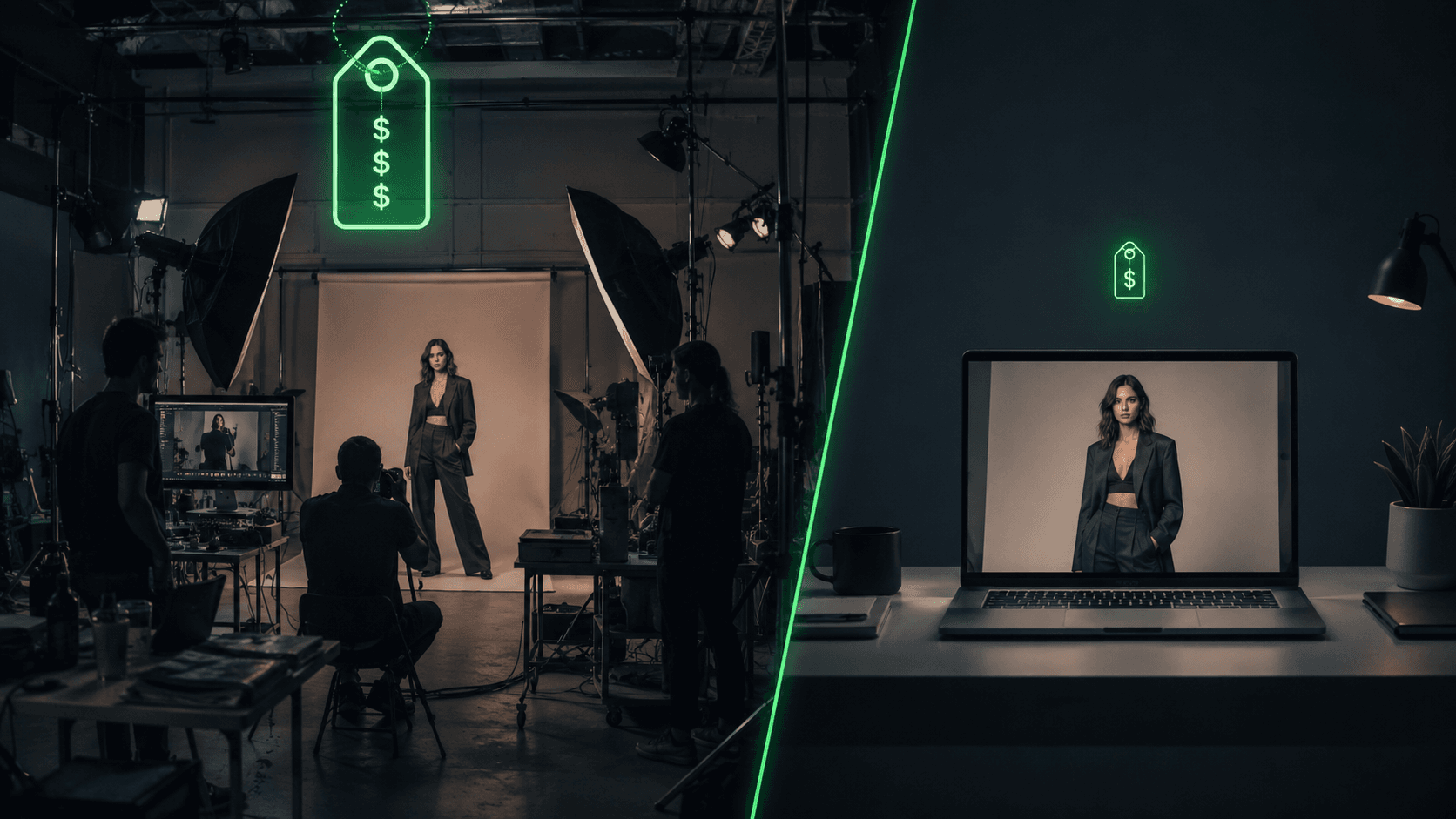
AI Clothing Photoshoot: What It Really Costs vs a Studio Shoot (2026)
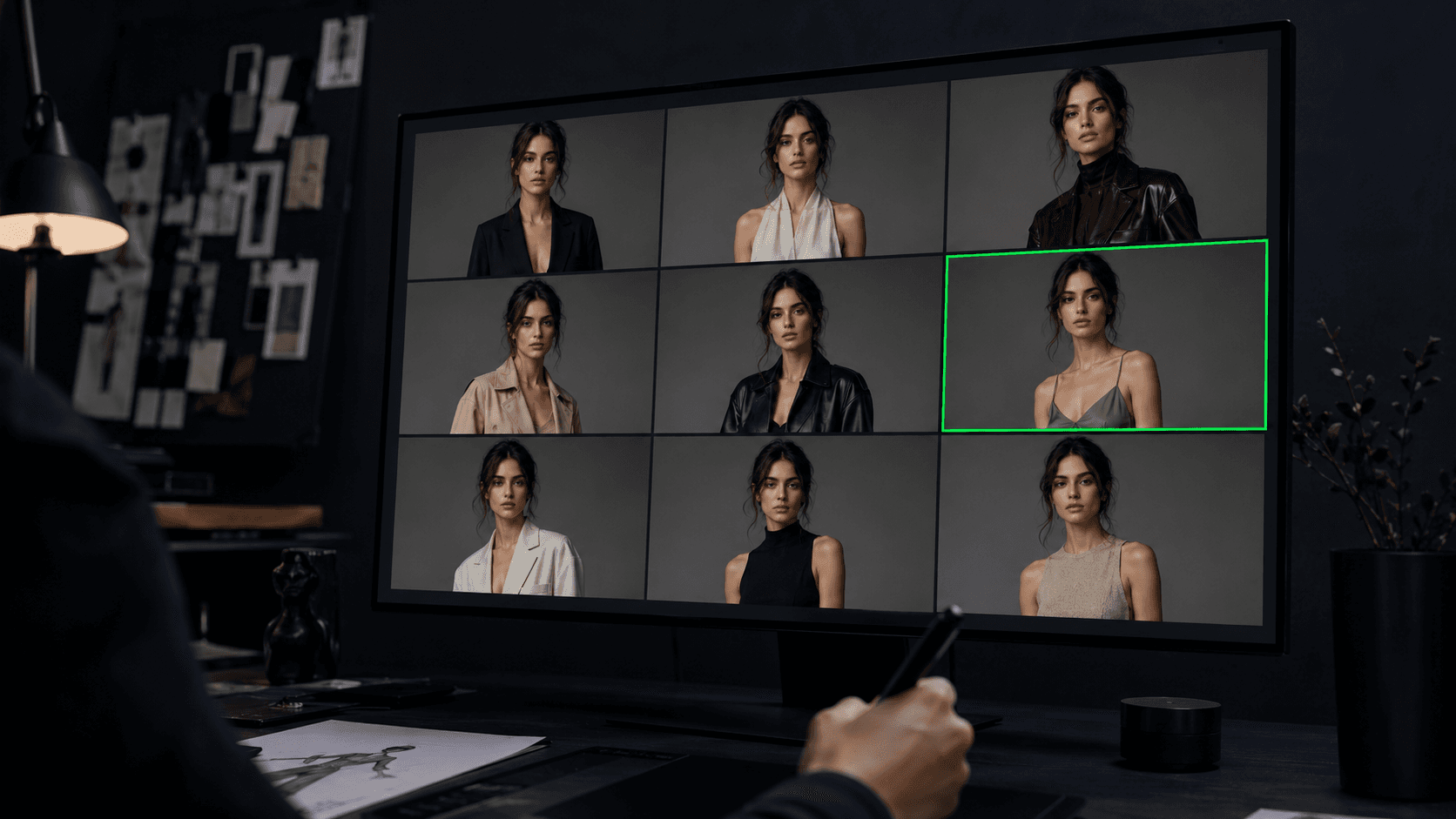
AI Fashion Prompts That Stay Consistent: The Working Formula (2026)

How to Get an AI Model Wearing Your Clothes (Step by Step)
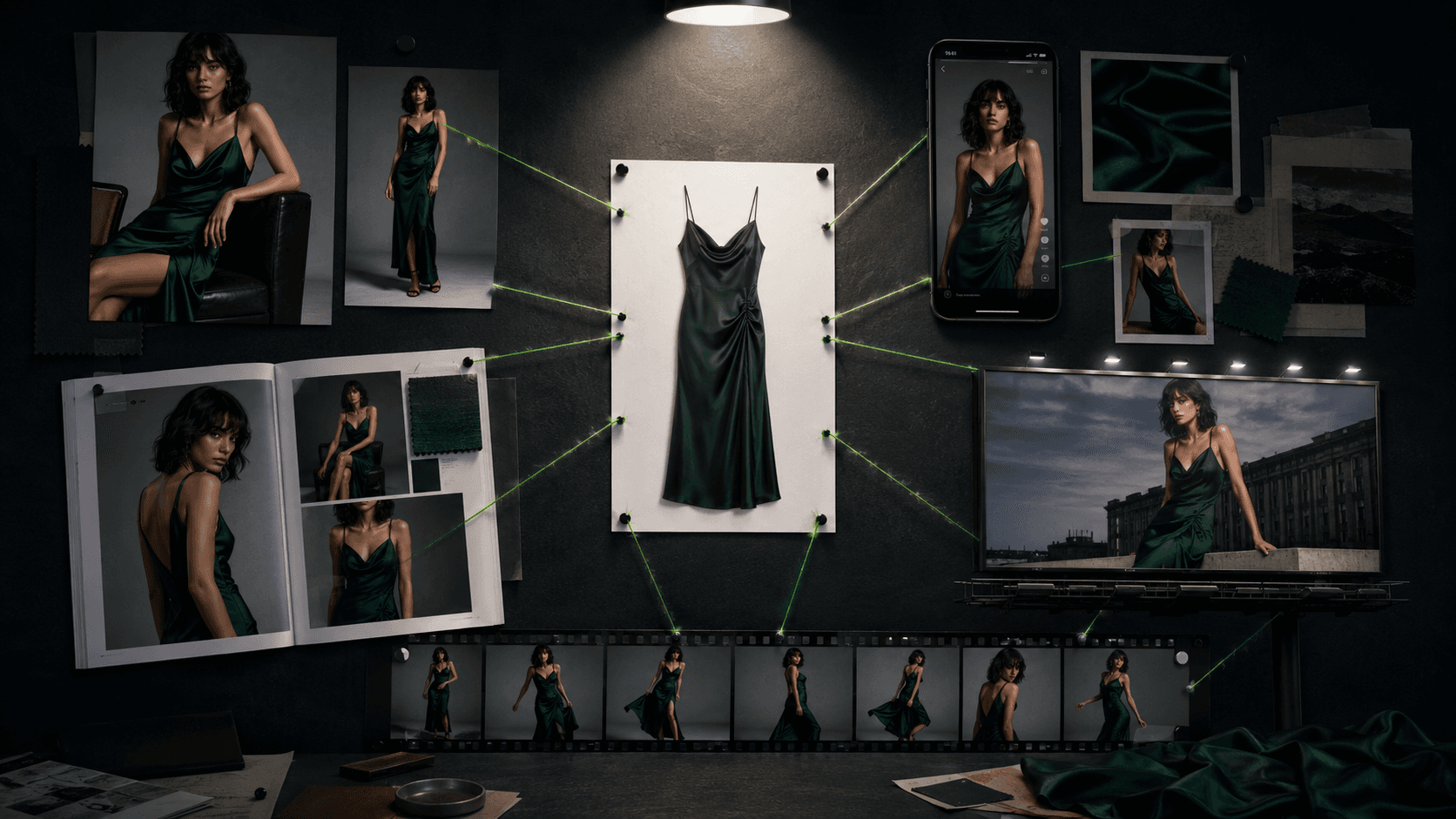
One Product Photo, Full Fashion Campaign: AI Images and Video That Sell (2026)
